Activating HDC
Press the button.
The LED on the button lights up.
Speeds between approx. 2 mph/3 km/h and ap‐
prox. 20 mph/30 km/h are adopted as the set
speed.
Emergency braking function, Active PDC: the
emergency braking function is deactivated.
Additional information:
Emergency brake function, Active PDC, refer to
page 249.
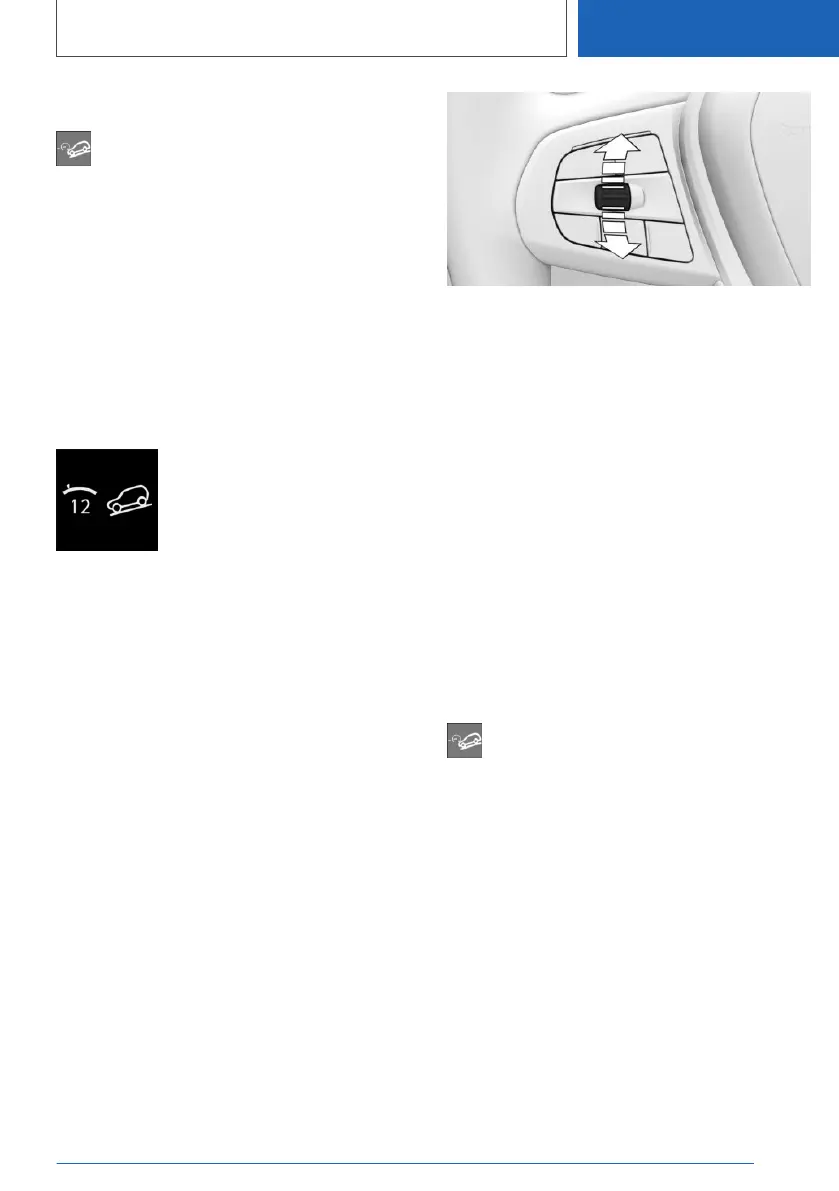
Display in the instrument cluster
An icon and the selected desired
speed are displayed.
▷ Indicator green: HDC is active.
The system is actively braking
the vehicle.
▷ Gray display: HDC is on standby.
Display in the Head-up Display
The HDC status can also be displayed in the
Head-up Display.
Increasing or decreasing vehicle
speed
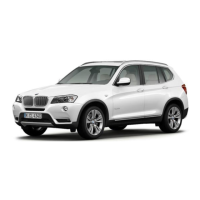
Using the cruise control rocker
switch
The set speed can be changed using the cruise
control rocker switch on the steering wheel.
▷ Press the rocker switch up: the speed in‐
creases gradually.
▷ Press the rocker switch up and hold: the
speed increases while the rocker switch is
pressed.
▷ Press the rocker switch down: the speed de‐
creases gradually.
▷ Press the rocker switch down and hold: the
speed decreases while the rocker switch is
pressed.
Using the brake pedal
While HDC is controlling the speed, the set
speed can be reduced by depressing the brake
pedal.
Deactivating HDC
Press the button again.
The LED goes out.
HDC is automatically deactivated above approx.
25 mph/40 km/h.
Malfunction
If a malfunction occurs, a message is displayed in
the instrument cluster.
Seite 221
Driving stability control systems
CONTROLS
221
Online Edition for Part no. 01405A37822 - VI/21



 To Next Page