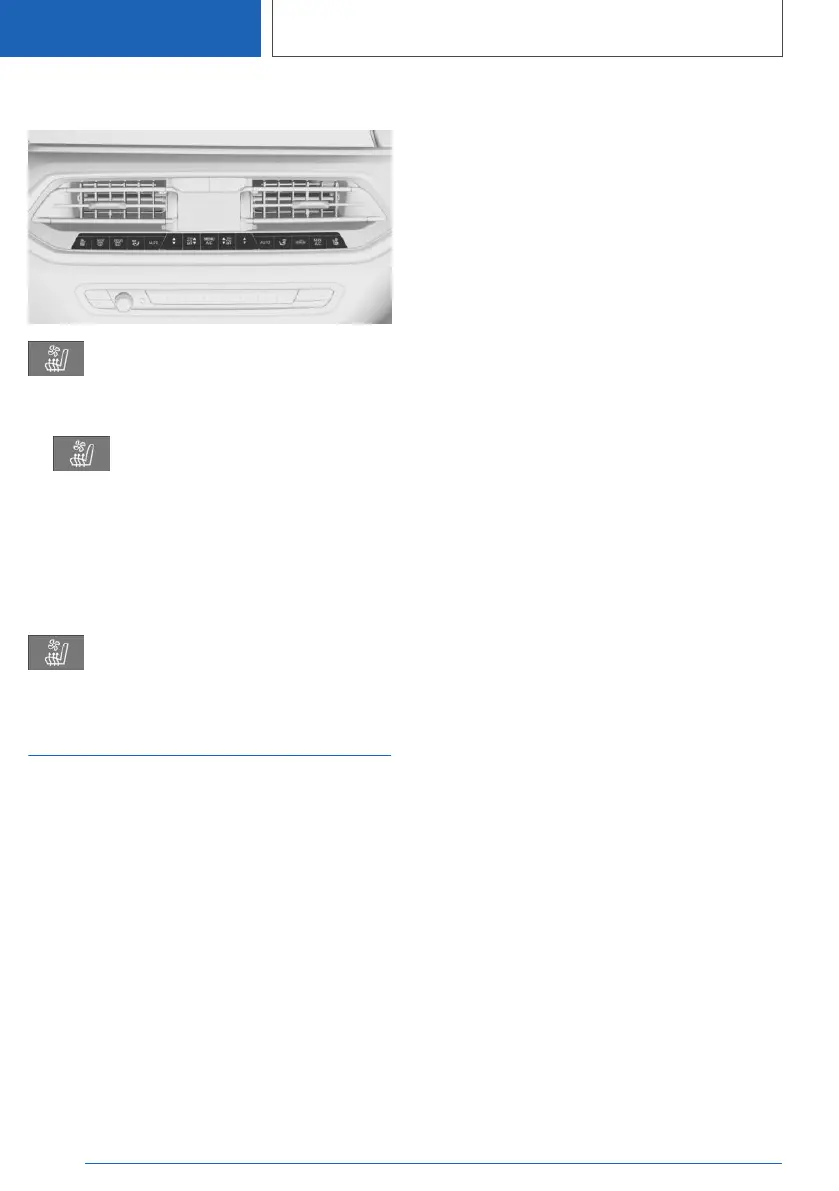
Overview
Seat climate control
Turning on
1. Press the button.
2. Select the desired setting via the touch‐
screen.
One red and one blue LED each will illumi‐
nate.
Turning off
Press and hold the button, until the
LEDs turn off.
Climate control rules
Principle
Depending on the equipment, some heating and
cooling functions can be automatically activated
depending on the outside temperature.
General information
The outside temperature at which the functions
are to be automatically activated can be set via
iDrive.
Activation is performed if the outside tempera‐
ture exceeds or falls below the set temperature
in the first few minutes after drive-ready state
has been switched on. A new alignment is car‐
ried out after the settings have been changed.
Depending on the equipment package, the fol‐
lowing functions can be automatically activated:
▷ Seat heating.
▷ Steering wheel heating
▷ Seat ventilation.
If the trip is continued within approx. 15 minutes
after a stop, the functions are activated automati‐
cally with the levels that were last selected.
Functional requirement
Drive-ready state is switched on.
Activate/deactivate
1.
"CAR"
2. "Settings"
3. "Climate control"
4. If necessary, "Automate habits"
5. Select the desired function.
6. Activate the desired rule.
7. Set the level.
Seite 138
CONTROLS
Seats, mirrors and steering wheel
138
Online Edition for Part no. 01405A385B6 - VI/21



 To Next Page