Instrument lighting
Functional requirement
The parking lights or low beams must be
switched on to set the brightness.
Setting the brightness
Adjust the brightness with the
thumbwheel.
Interior lighting
General information
Depending on the equipment version, interior
lights, footwell lights, entry lights, ambient light‐
ing, and speaker lighting are automatically con‐
trolled.
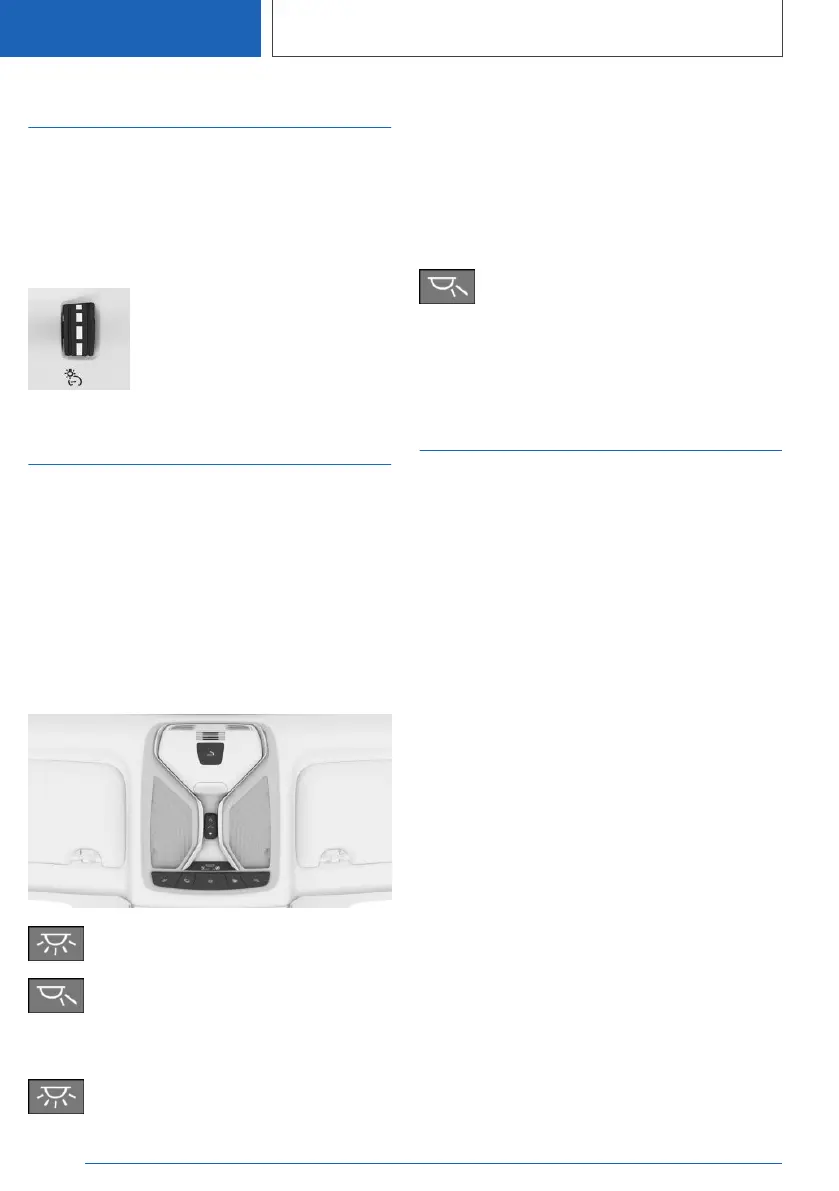
Overview
Buttons in the vehicle
Interior lights
Reading lights
Turning interior lights on/off
Press the button.
To switch off permanently: press the button and
hold for approx. 3 seconds.
The interior lights in the rear of the vehicle can
be switched on and off independently. The but‐
ton is located in the rear headliner.
Turning reading lights on/off
Press the button.
Depending on the vehicle equipment, the read‐
ing lights are located next to the interior lights in
the front and rear.
Ambient light
General information
Depending on the equipment version, lighting
can be adjusted for some lights in the car's inte‐
rior.
Activating/deactivating ambient
light
1.
"CAR"
2. "Settings"
3. "Interior lighting"
4. "Ambient lighting"
Turning ambient light on/off
The ambient light is switched on when the vehi‐
cle is unlocked, and switched off when the vehi‐
cle is locked.
If the ambient light was deactivated via iDrive, it
will not be switched on when the vehicle is un‐
locked.
Selecting the color
1.
"CAR"
2. "Settings"
3. "Interior lighting"
Seite 190
CONTROLS
Lights
190
Online Edition for Part no. 01405A385B6 - VI/21



 To Next Page