Safety information
Warning
The system cannot serve as a substitute for the
driver’s personal judgment in assessing visibility
and traffic situation. There is a risk of accident.
Adjust driving style to traffic conditions. Watch
traffic closely and actively intervene where ap‐
propriate.
Warning
Indicators and warnings cannot serve as a sub‐
stitute for the driver’s personal judgment. Due
to its limits, the system may not issue warnings
or reactions, or these may be issued late or in a
manner that is not consistent with their normal
use. There is a risk of accident. Adjust driving
style to traffic conditions. Watch traffic closely
and actively intervene where appropriate.
Functional requirement
The camera must detect the lane markings for
the side collision mitigation with steering inter‐
vention to be active.
Overview
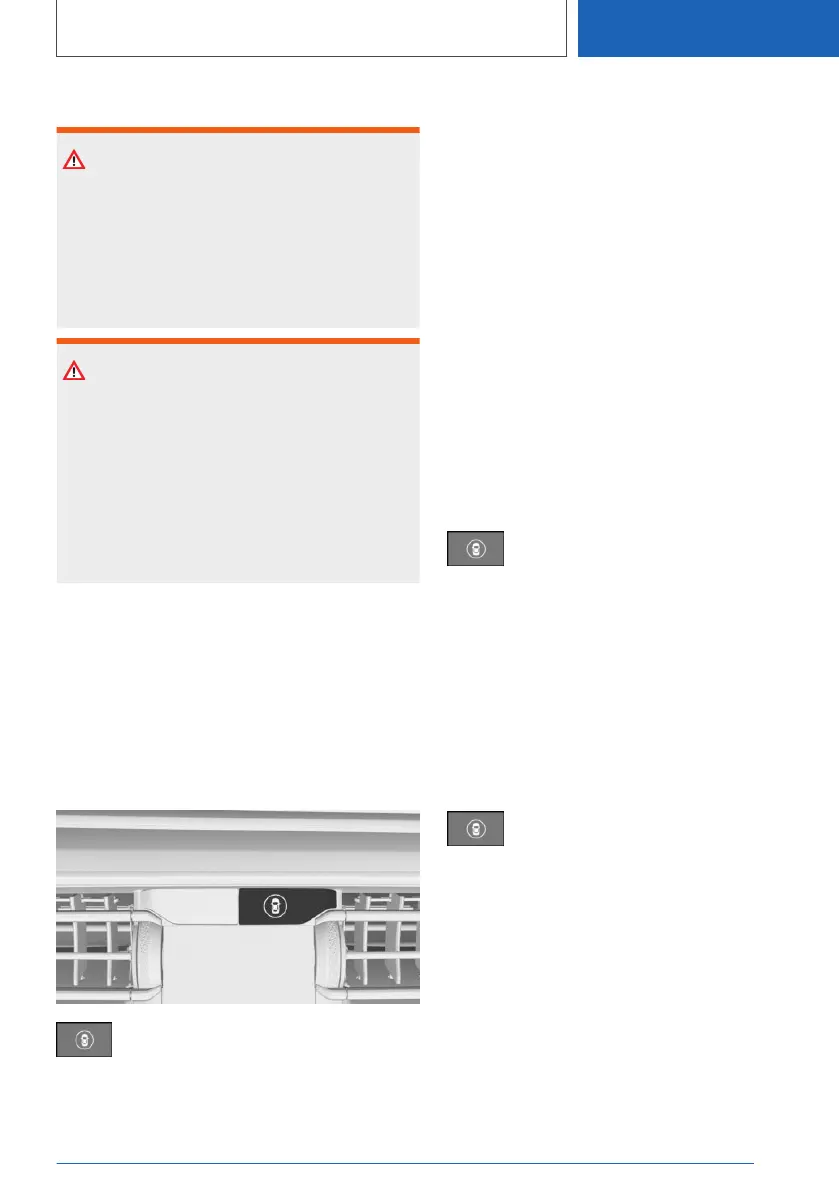
Button in the vehicle
Intelligent Safety
Sensors
The system is controlled by the following sen‐
sors:
▷ Cameras behind the windshield.
▷ Radar sensors, side, front.
▷ Radar sensors, side, rear.
Additional information:
Sensors of the vehicle, refer to page 37.
Turning on/off
Turning on automatically
The side collision mitigation activates automati‐
cally after departure if the function was switched
on at the completion of the last trip.
Switching on manually
Press the button.
The menu for the Intelligent Safety sys‐
tem is displayed.
If all Intelligent Safety systems were switched off,
all systems are now switched on.
"Configure INDIVIDUAL": depending on the
equipment version, the Intelligent Safety sys‐
tems can be individually configured. The individ‐
ual settings are activated and stored. As soon as
a setting is changed on the menu, all settings of
the menu are activated.
Press the button repeatedly.
The following settings are switched be‐
tween:
"ALL ON": all Intelligent Safety systems are
switched on. Basic settings are activated for the
subfunctions.
"INDIVIDUAL": the Intelligent Safety systems are
switched on according to the individual settings.
Some Intelligent Safety systems cannot be indi‐
vidually switched off.
Seite 219
Safety
CONTROLS
219
Online Edition for Part no. 01405A385B6 - VI/21



 To Next Page