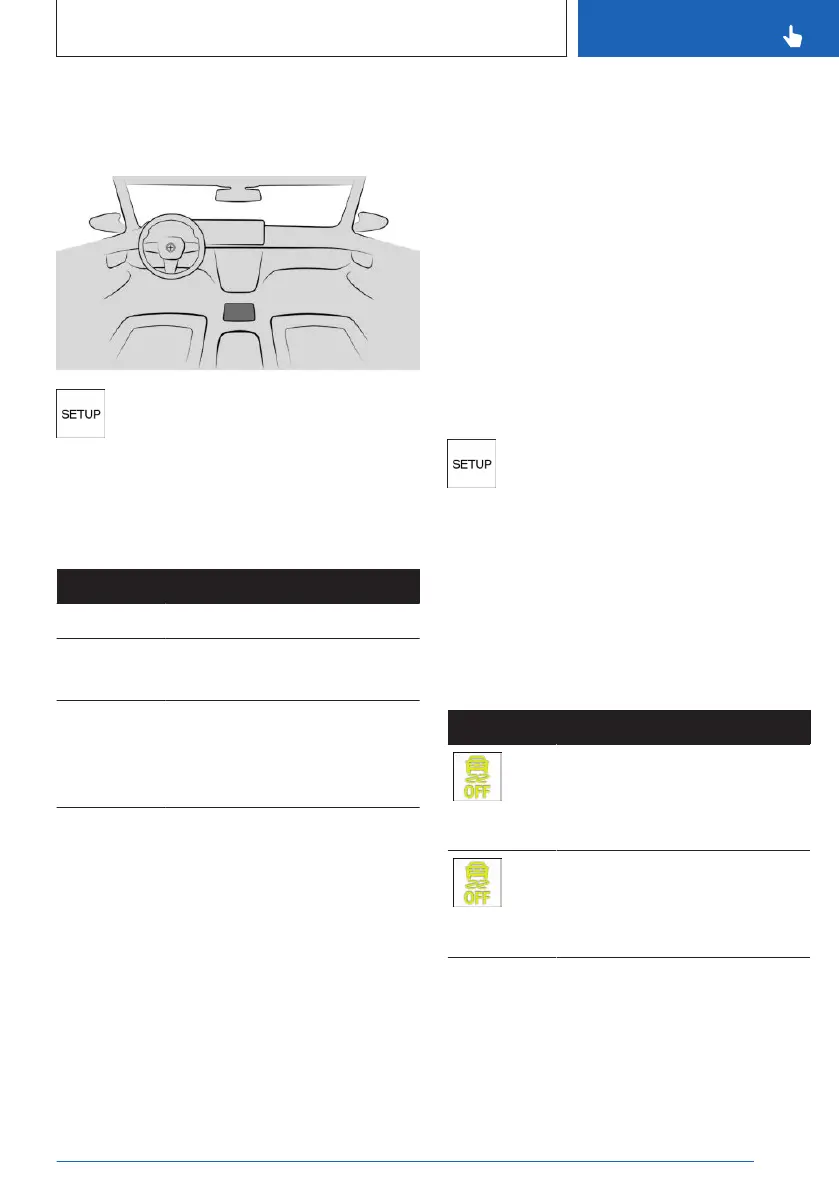
Overview
Button in the vehicle
SETUP
Programs
There arethree M xDrive programs available
when the DSC Dynamic Stability Control is de-
activated.
Program Distribution of driving forces
"4WD" Front and rear axles.
"4WD
SPORT"
Front and rear axles.
Main component, rear axle.
"4WD
SAND"
Front and rear axles.
Traction-optimized configura-
tion for driving on loose
ground.
If "4WD SAND" is activated, Forward Collision
Mitigation is automatically deactivated.
Additional information:
Forward Collision Mitigation, refer to page 176.
A program is activated automatically in the fol-
lowing situations:
▷
When the drive-ready state is switched on:
"4WD".
▷ When the M Dynamic Mode is activated:
"4WD SPORT".
▷ When Dynamic Stability Control is deacti-
vated: "4WD".
Selecting a program
General information
Changing programs in dynamic driving situa-
tions is not possible.
Using the button
Press the button and select the desired
program on the control display.
Via iDrive
M xDrive settings can be configured in M
Setup.
Additional information:
M Setup, refer to page 209.
Display in the instrument cluster
Icon
Description
The indicator light is illumi-
nated and 4WD appears in the
instrument cluster:
Program is activated.
The indicator light is illumi-
nated and 4WD Sport appears
in the instrument cluster:
Program is activated.
Seite 217
Driving stability control systems
CONTROLS
217
Online Edition for Part no. 01405A8A608 - VI/23



 To Next Page