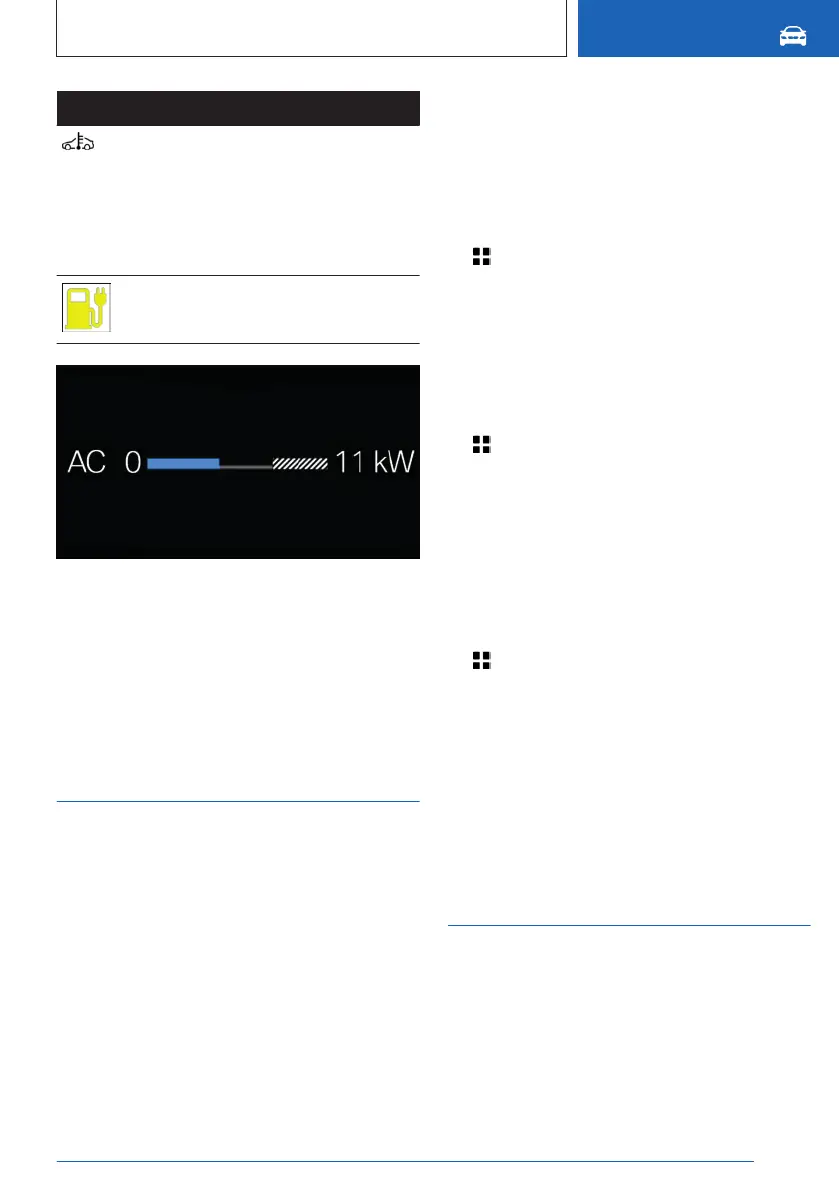
Display Meaning
Blue icon: Charging capacity re-
duced due to low temperature of
the high-voltage battery.
White icon: Charging capacity re-
duced due to high temperature of
the high-voltage battery.
Charging station charging power
may be restricted or not available.
The shaded area indicates a limitation in the
charging capacity that can occur, for instance
due to the connected charging infrastructure.
Additional information:
▷
Charge state indicator, refer to page 149
▷ Charging screen, refer to page 150.
Departure time
Principle
For optimum range and climate control, the
departure time can be set before parking the
vehicle.
General information
With a set departure time, the vehicle is pre-
heated or precooled if climate control is set.
The following settings are possible for depar-
ture time:
▷
Climate control for departure time.
▷ Scheduling of up to three regular departure
times.
▷ Planning a one-time departure time.
Climate control for departure time
1. Apps menu
2. "Vehicle"
3. "Charging"
4. "Departure plan"
5. "Pre-conditioning for departure"
Setting the departure time
1.
Apps menu
2. "Vehicle"
3. "Charging"
4. "Departure plan"
5. Select the desired departure time.
6. Set the time and weekday.
Activating the departure time
1.
Apps menu
2. "Vehicle"
3. "Charging"
4. "Departure plan"
5. Activate the desired departure time.
The set departure time will be deactivated if
the departure time was ignored three times in
a row.
Climate control
The following settings for vehicle air condition-
ing are possible:
▷
Activate stationary climate control immedi-
ately.
Seite 331
Charging the vehicle
MOBILITY
331
Online Edition for Part no. 01405A8A608 - VI/23



 To Next Page