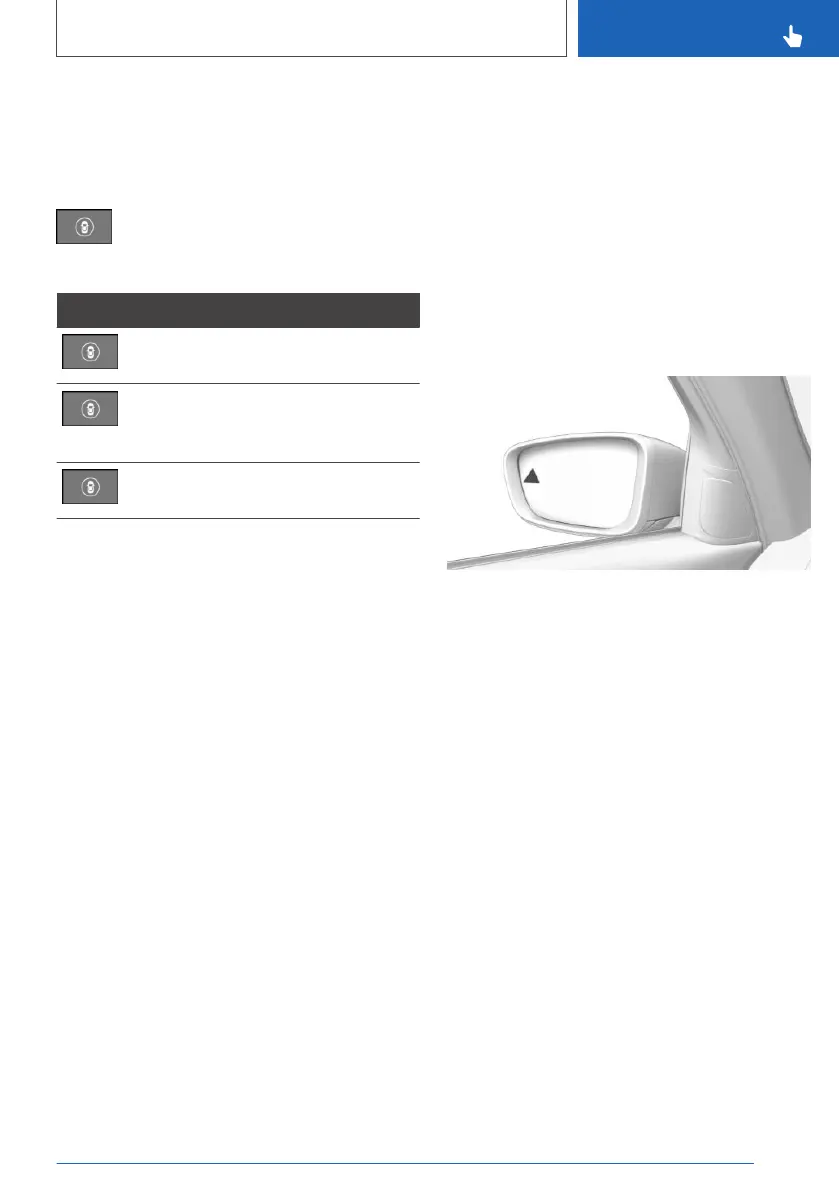
"INDIVIDUAL": the Intelligent Safety systems are
switched on according to the individual settings.
Some Intelligent Safety systems cannot be indi‐
vidually switched off.
Press and hold this button.
All Intelligent Safety systems are
switched off.
Button Status
Button lights up green: all Intelligent
Safety systems are switched on.
Button lights up orange: some Intelli‐
gent Safety systems are switched off
or currently unavailable.
Button does not light up: all Intelligent
Safety systems are switched off.
Setting the warning time
Via iDrive:
1.
"CAR"
2. "Settings"
3. "Driver Assistance"
4. "Safety and warnings"
5. "Blind spot collision warning"
6. Select the desired setting.
▷ "Early"
▷ "Medium"
▷ "Late"
▷ "Off": with this setting, no warning is out‐
put.
The setting is stored for the driver profile cur‐
rently used.
Setting the intensity of the steering
wheel vibration
Via iDrive:
1.
"CAR"
2. "Settings"
3. "Driver Assistance"
4. "Feedback on the steering wheel"
5. "Vibration intensity"
6. Select the desired setting.
The setting is applied to all Intelligent Safety sys‐
tems and stored for the driver profile currently
used.
Warning function
Light in the exterior mirror
Prewarning
The dimmed light in the exterior mirror indicates
when there are vehicles in the blind spot or ap‐
proaching from behind.
Acute warning
If the turn signal is switched on while a vehicle is
in the critical zone, the steering wheel vibrates
briefly and the light in the exterior mirror flashes
brightly.
The warning stops when the other vehicle has
left the critical area or after deactivation of the
turn signal.
Flashing of the light
A flashing of the light during vehicle unlocking
serves as system self-test.
Seite 169
Safety
CONTROLS
169
Online Edition for Part no. 01402779113 - II/19



 To Next Page