Setting the departure time
Via iDrive
1. "CAR"
2. "Settings"
3. "Climate control"
4. "Preconditioning/ventilation"
5. Select the desired departure time.
6. Set the departure time.
7. Select day of the week, if needed.
Activating the departure time
Functional requirement
If a requested departure time is to influence the
switching on of the system, the respective de‐
parture time must be activated first.
Via iDrive
1.
"CAR"
2. "Settings"
3. "Climate control"
4. "Preconditioning/ventilation"
5. Activate the desired departure time.
, The symbol on the automatic climate
control signals an activated departure time
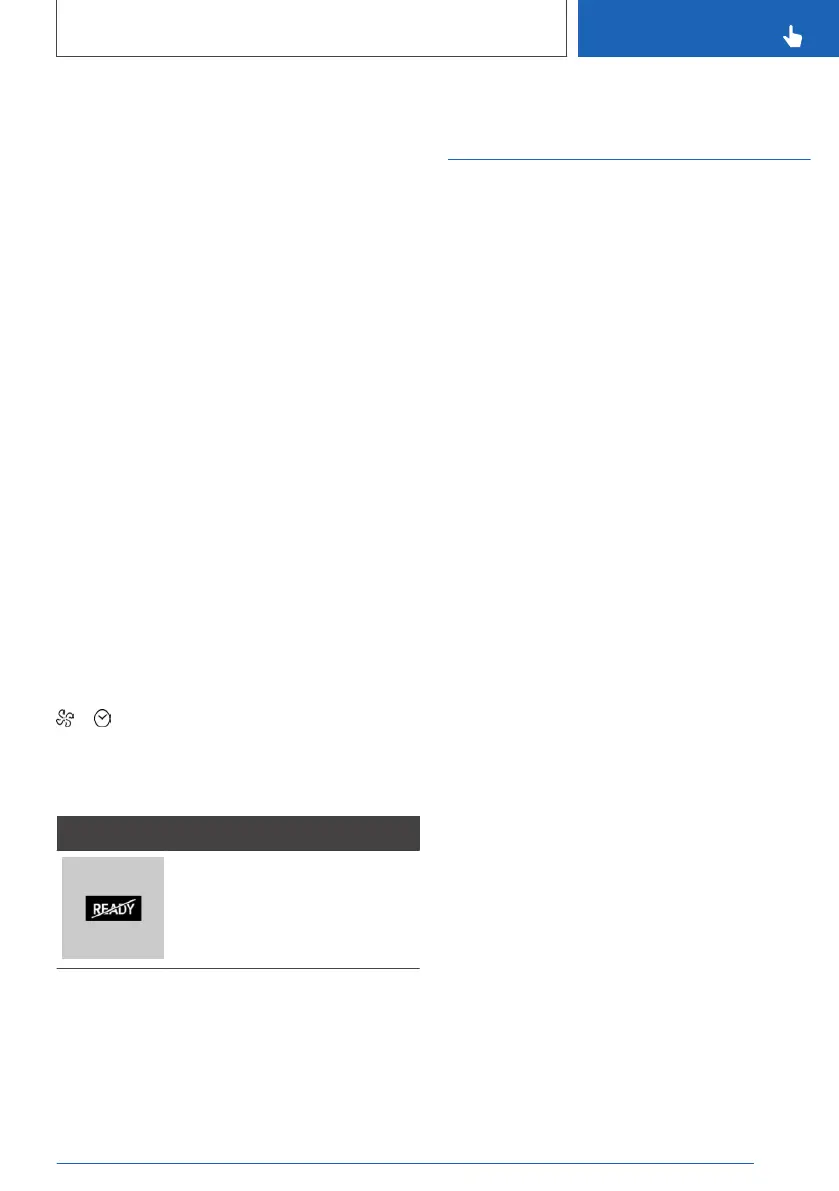
Display in the instrument cluster
Symbol Description
The engine runs for the purpose
of operating the stationary cli‐
mate control. The vehicle is not
ready to drive.
Using climate control
functions via voice
General information
▷ Instructions for the voice activation system,
refer to page 52.
▷ With voice operation, you can change be‐
tween voice operation, iDrive and buttons.
▷ To have the available voice commands read
out loud: ›Voice commands‹ or ›Help‹.
Using the voice activation
system
Most climate control functions can be used via
voice in the car's interior, e.g.:
▷ Activation of the air conditioner: ›Activate
climate control‹.
▷ Deactivation of the automatic recirculated-air
function: ›Deactivate ... air recirculation‹.
▷ Configuration of a specific tempera‐
ture: ›Temperature [...] at ...‹.
Seite 219
Climate control
CONTROLS
219
Online Edition for Part no. 01402779113 - II/19



 To Next Page