29
© 2005 Directed Electronics, Inc.
www.boasecurity.com
web-site in the Interface Module Look-
Up section.
step 9
The system comes with one transmitter. The receiver can store
up to 2 different transmitter codes in memory. An additional
transmitter can be ordered by contacting your local dealer at 1-
800-274-0200. Use the following to learn the transmitter or to
add a transmitter to the system.
The following is the basic sequence of steps to remember whenever
programming this unit:
1.
FFuusseess..
Re-insert fuses into fuse holders.
2.
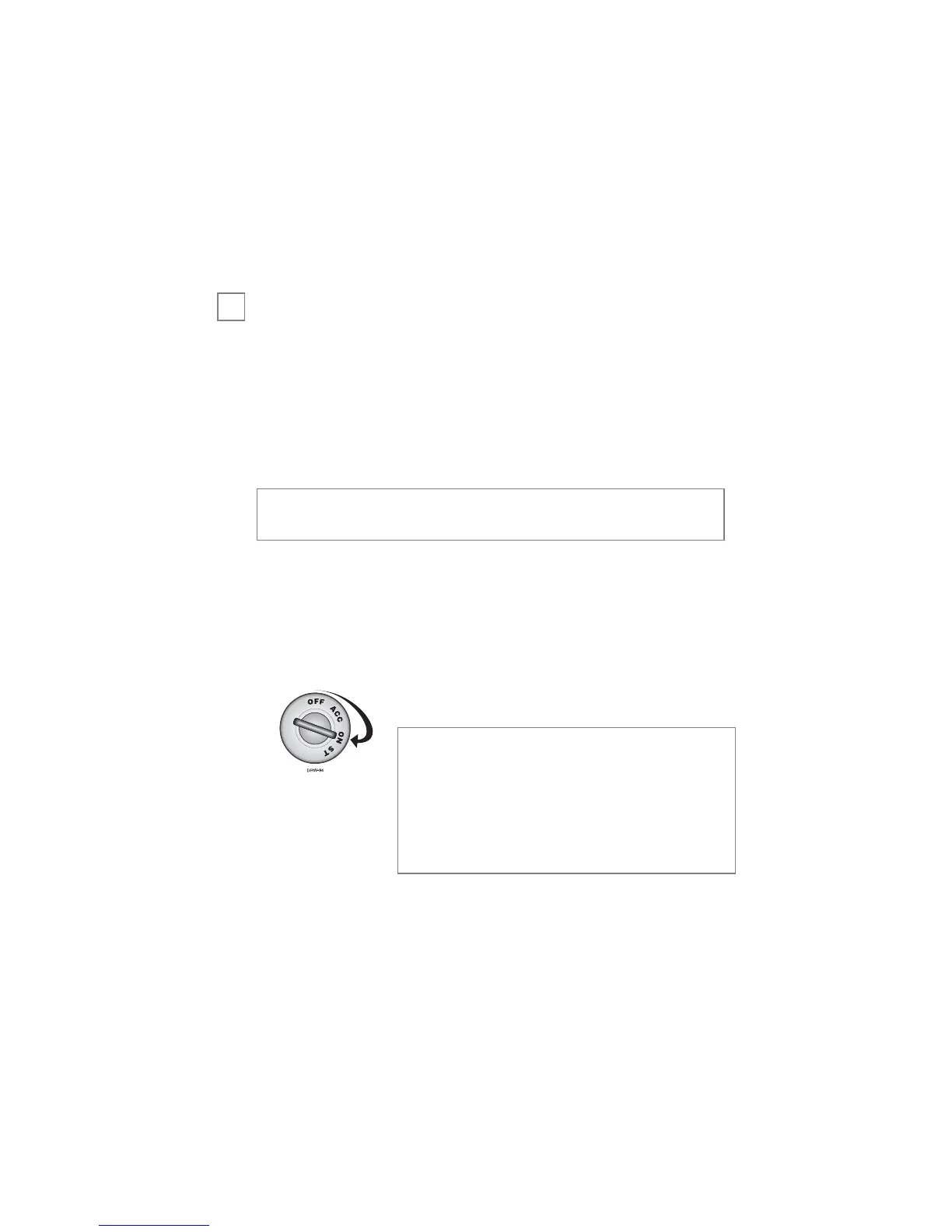
KKeeyy..
Turn the ignition to the ON position.
3.
PPrrooggrraamm..
After 5-seconds, press and hold the button
on the transmitter, until—(see step 4).
4.
PPaarrkkiinngg LLiigghhttss FFllaasshh..
The parking lights will flash twice to
acknowledge programming of this transmitter.
note: The system can only learn, after
being connected and with the FIRST
IGNITION ON. If not learned with
the first ignition on the main power
fuses will have to be disconnected
from the BOA unit and then recon-
nected and the procedure repeated.
note: If power is lost to the control module (battery dis-
connected), the transmitters must be relearned.
➜


 To Next Page
 Loading...