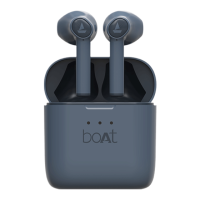
Q. The sound output is muffled
•
Check if dust has accumulated inside the earbuds or if there is any obstruction.
•
Check if ear wax has accumulated inside the earbuds.
•
Check if there is no damage to the tips of the earbuds and see if changing them helps.
•
Check if sweat or water has gone inside the earbuds.
Q. Voice is muffled during calls/ Microphone has muffled input
•
Check if restarting the device resolves the issue.
•
Check if dust or ear wax as accumulated near or inside the microphone port, there is no
blockage on the microphone.
•
Check if swear or water has gone inside the microphone.
•
Check if there are any obstructions between the earpods and the device and clear them,
move the device at a closer range to the earpod and see if it still affects it.
Q. Earbud not charging while inside the case even when the case is charged.
•
Check if the charging pins of the case are clear and there is no obstruction.
•
Check if the charging pin of the earbuds are clear and there is no obstruction.
•
Check if the orientation of the earbuds inside the case is correct and they have been
properly inserted inside the case.


 To Next Page