EasyManua.ls Logo

Bobcat 743 - Fuel System Service

Bobcat 743
78 pages
Print Icon
To Next Page IconTo Next Page
To Previous Page IconTo Previous Page
Loading...
o
o
5.
Push
the
button,
at
the
condition
indicator
(Fig.
43,
Item
1),
to
remove
the
red ring.
6.
Check
that
the
hoses
and
the
clamps
are
tight.
FUEL SYSTEM
Use
number
2 diesel fuel in
the
engine.
During
very
cold
temperature
conditions,
number
1 is
recommended.
AWARNING
FUEL SYSTEM SERVICE
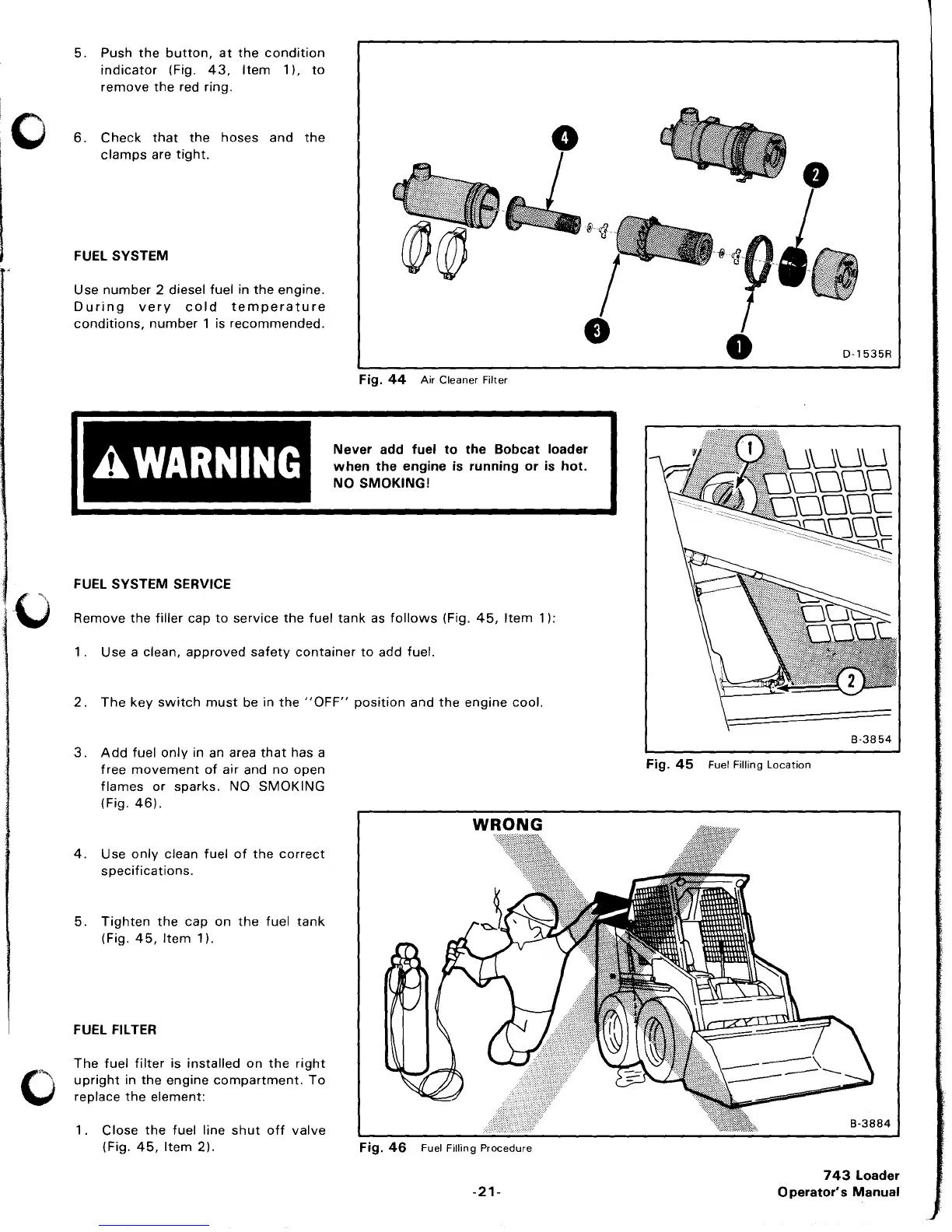
Fig.
44
Air
Cleaner Filter
Never
add
fuel
to
the
Bobcat
loader
when
the
engine
is
running
or
is
hot.
NO SMOKING!
Remove
the
filler
cap
to
service
the
fuel
tank
as
follows
(Fig.
45,
Item
1):
1.
Use a clean,
approved
safety
container
to
add fuel.
2.
The
key
switch
must
be in
the
"OFF"
position
and
the
engine
cool.
3.
Add
fuel
only
in an area
that
has a
free
movement
of
air and no open
flames
or
sparks. NO
SMOKING
(Fig.
46).
4.
Use
only
clean fuel
of
the
correct
specifications.
5.
Tighten
the
cap
on
the
fuel
tank
(Fig.
45,
Item
1).
FUEL FILTER
The
fuel
filter
is
installed
on
the
right
upright
in
the
engine
compartment.
To
replace
the
element:
1.
Close
the
fuel line
shut
off
valve
(Fig.
45,
Item
2).
Fig.
46
Fuel
Filling
Procedure
-21-
8·3854
Fig.
45
Fuel Filling
Location
743
Loader
Operator's
Manual

Related product manuals