33 S130 Operation & Maintenance Manual
INSTRUMENT PANEL IDENTIFICATION
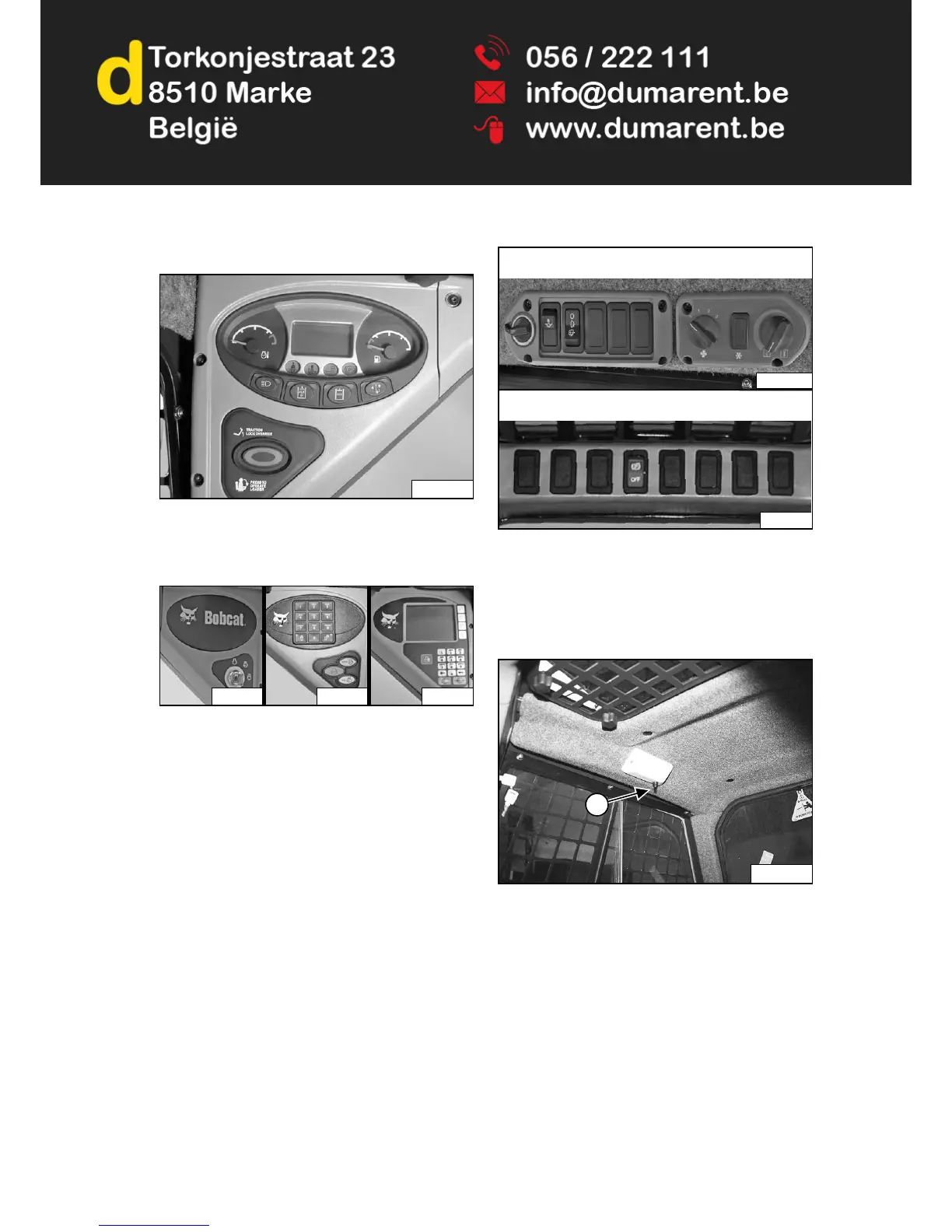
Figure 5
The left panel [Figure 5] is described in more detail. (See
Left Panel on Page 34.)
Figure 6
The right panel [Figure 6] is described in more detail.
(See Standard Key Panel on Page 38.), (See Keyless
Start Panel on Page 38.) or (See Deluxe Instrumentation
Panel on Page 39.)
Figure 7
The side and front panels [Figure 7] are described in
more detail. (See Side Panel on Page 40.) and (See
Front Panel on Page 41.)
Cab Light
Figure 8
Push the button (Item 1) [Figure 8] to turn the light ON.
Push the button again to turn OFF.


 To Next Page
 Loading...