121 S450 Operation & Maintenance Manual
OPERATING PROCEDURE (CONT’D)
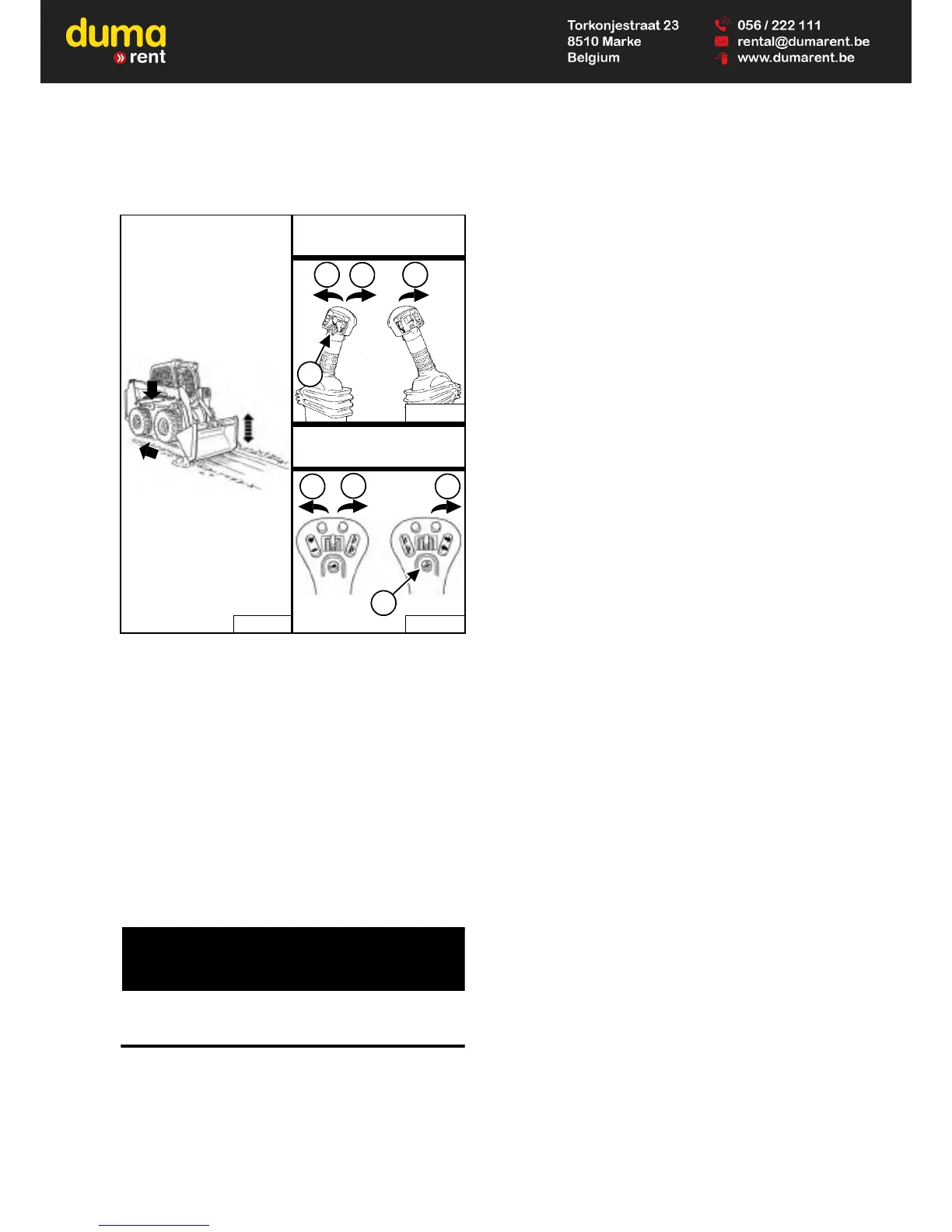
Levelling The Ground Using Float (ACS – Handles And SJC – ‘H’ Pattern)
Figure 153
Press and hold the Float button (Item 4) while the handle
or joystick is in neutral. While lowering the lift arms (Item
2) [Figure 153], release the Float button.
Tilt the bucket forward (Item 3) [Figure 153] to change
the position of the cutting edge of the bucket.
With the bucket tilted farther forward, there is more force
on the cutting edge and more loose material can be
moved.
Drive backward to level loose material.
To disengage float, press the Float button again or raise
the lift arms (Item 1) [Figure 153].



 To Next Page