172 S450 Operation & Maintenance Manual
ELECTRICAL SYSTEM (CONT’D)
Battery Maintenance
See the SERVICE SCHEDULE for the correct service
interval. (See SERVICE SCHEDULE on Page 134.)
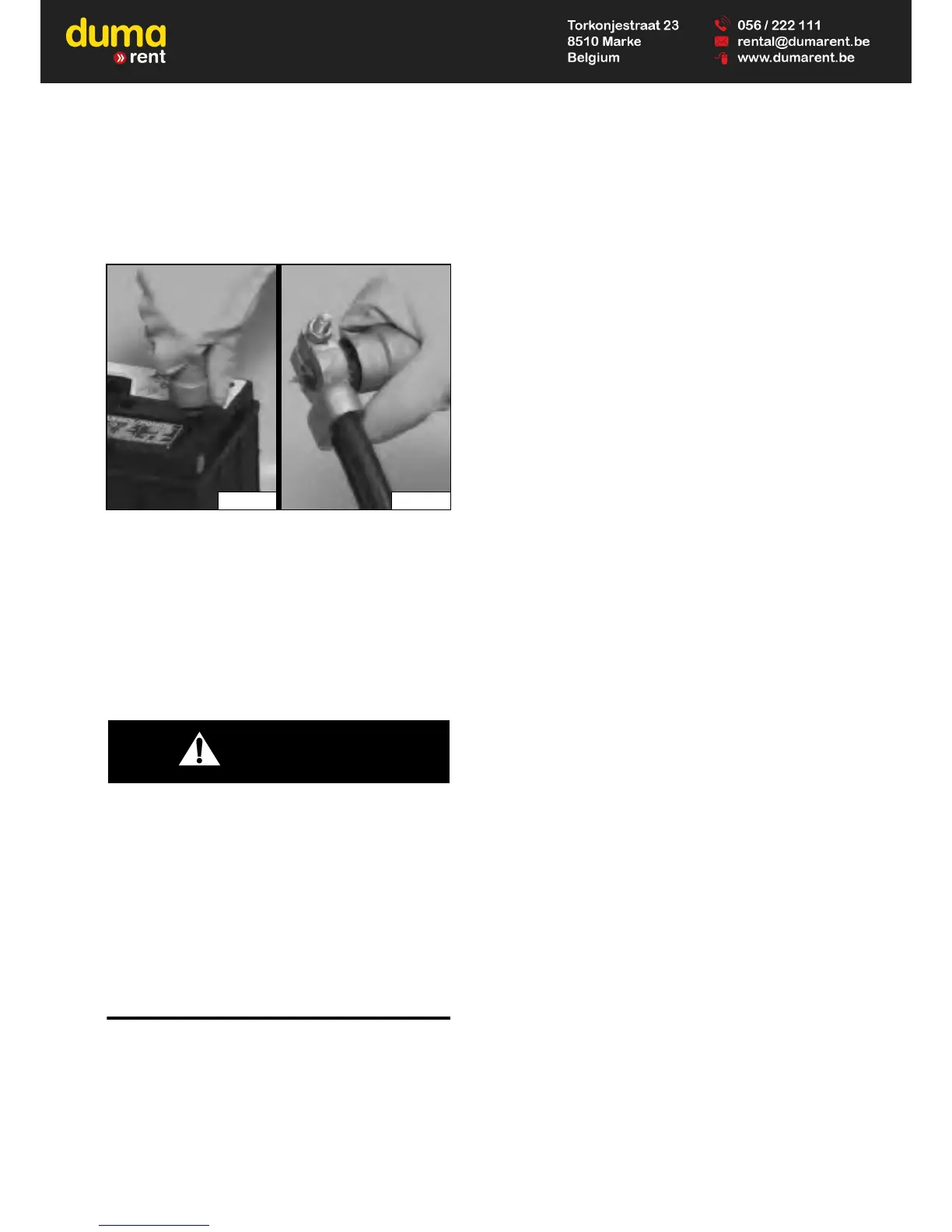
Figure 236
The battery cables must be clean [Figure 236] and tight.
Remove acid or corrosion from battery and cables with
sodium bicarbonate (baking soda) and water solution.
Put Bobcat Battery Saver or grease on the battery
terminals and cable ends to prevent corrosion.
Check electrolyte level in the battery. Add distilled water
as needed.
AVOID INJURY OR DEATH
Batteries contain acid which burns eyes and skin on
contact. Wear goggles, protective clothing and
rubber gloves to keep acid off body.
In case of acid contact, wash immediately with water.
In case of eye contact get prompt medical attention
and wash eye with clean, cool water for at least 15
minutes.
If electrolyte is taken internally drink large quantities
of water or milk! DO NOT induce vomiting. Get
prompt medical attention.
W-2065-0807


 To Next Page
 Loading...