Red-Blue flashing lights
In standby mode, short press WiFi button once to turn on
Red-Blue flashing lights, short press again to turn off the
Red Blue lights. (This function is for alarm reminder or
lights signal during work.)
Night vision mode
In standby mode, Long press Photo button for 3 seconds
to turn on infrared night vision mode, long press Photo
button 3 seconds again to turn off the infrared night
vision mode
Stealth mode
In video recording mode, long press video button for 3
seconds to enter stealth mode, LED indicator will be off,
long press for 3 seconds again to get back to normal video
recording mode with flashing green LED
Reset
In standby state, short press reset button to restart
camera, settings wil remain
Operation Guide 3
Connect to computer
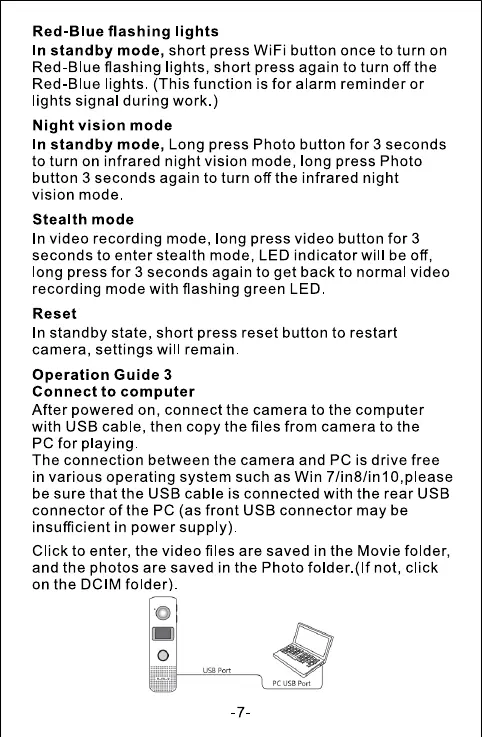
After powered on, connect the camera to the computer
with USB cable, then copy the files from camera to the
PC for playing
The connection between the camera and PC is drive free
in various operating system such as Win 7/in8/in10,pIease
be sure that the USB cable is connected with the rear USB
connector of the PC (as front USB connector may be
insufficient in power supply)
Click to enter, the video files are saved in the Movie folder,
and the photos are saved in the Photo folder.(lf not, click
on the DCIM folder)
o
o
pc use Port



 To Next Page