Do you have 900 ER X1 ? See Below. No? Then go to step 2 over the page --->
Uninstall OLD
X1 Version FIRST
(The 900 ER SP1 is included with X2 - do NOT install 900 ER SP1 to this pack)
To uninstall X1 run the uninstall.exe program or delete the \\ARIANE folder and content
and then delete the \\SIMOBJECTS\Aircraft bearing ‘Ariane *.900ER’ names.
Note: Users of the old X1 900ER Airline Pack please update to the
NEW X2 Airline Pack (includes three new airline delivery customers and new interiors etc.).
RUN the file called PART_1.exe
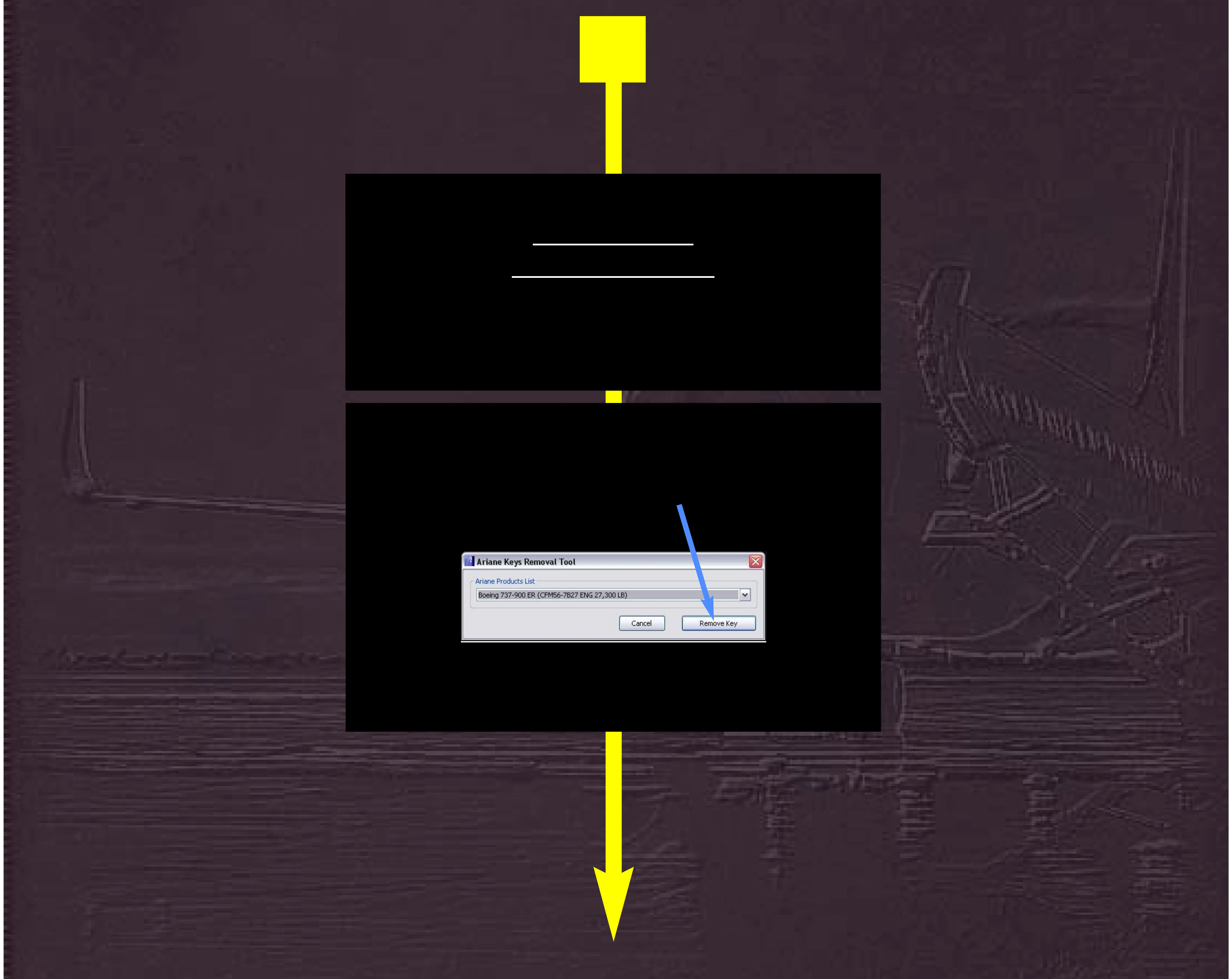
When it opens press the Remove Key button
1



 To Next Page