6
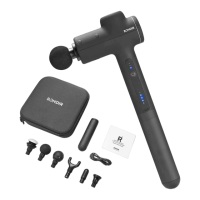
Speed- Level Indicator Light:From Left to Right (1-3 level)
Battery Level Indicator:4 Lights 100% full of power
3 Lights 65%-80% of power
2 Lights 40%-60% of power
1 Light Less power, please charge asap.
ON/OFF Switch:Hold for 2 seconds to Start/Stop the device,
press to adjust the speed level from level 1 to level 3.
Assembly Guide:
Make sure attachments are firmly in place. For the U-shaped attachment, align
the lines to ensure proper insertion.
PRODUCT DESCRIPTION


 To Next Page