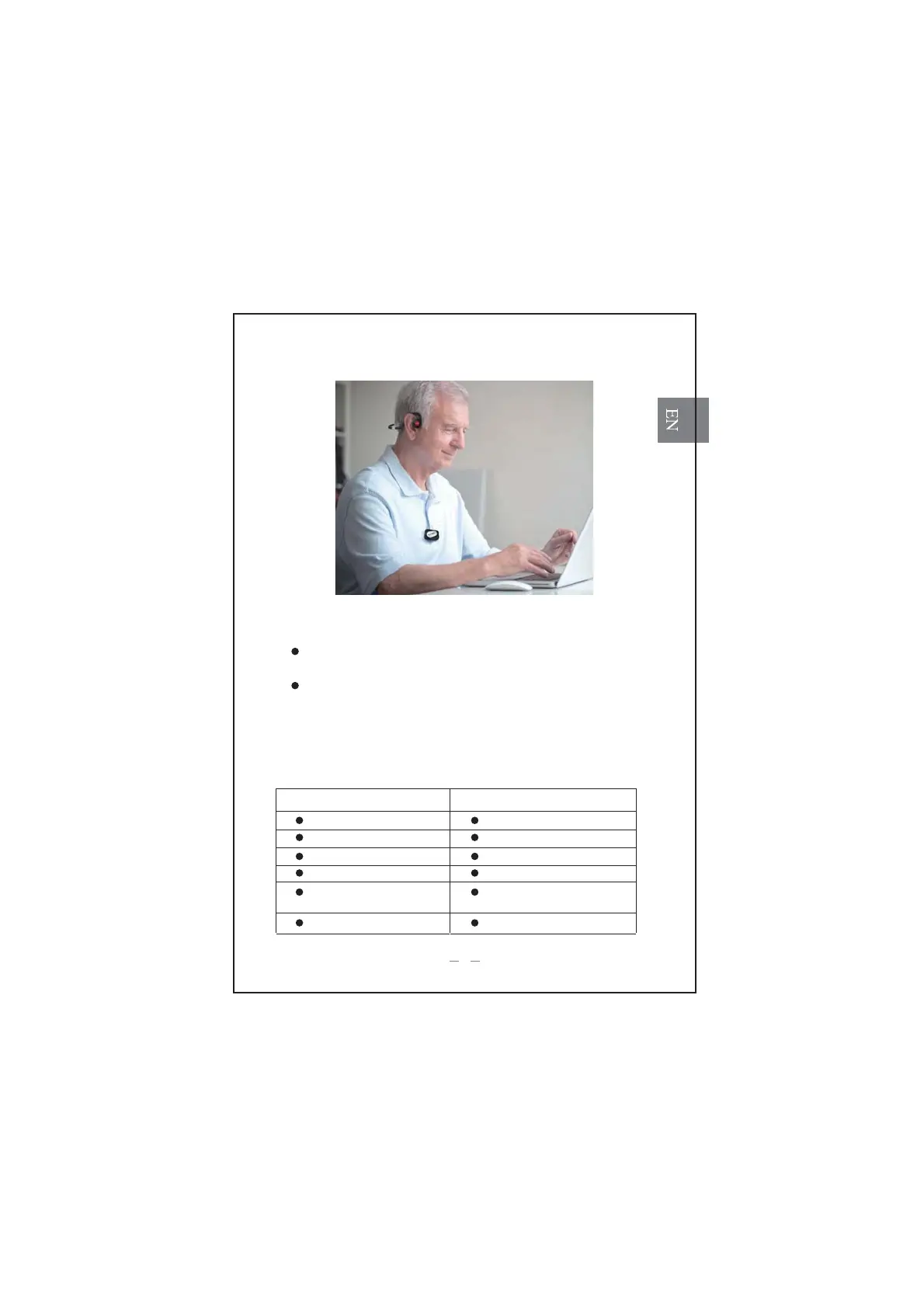
6. How to wear
7. Connect with other electronic equipment.
Use a 3.5mm audio cable to connect with other electronic equipment,
such as telephone, pad, tablet etc., enjoy listening to sound clearly.
Use an RCA adapter to connect with TV, sounds from TV can be
received only by the headphone user, no interruption to others
Note: avoid to putting any metal obstacles between T10 and headphone.
8. Status LED
Headphone part:
LED Color status
Red (quick flash) Low power
Red(solid) Charging
Blue(solid) Charging complete
Blue (quick flash) Pairing
Blue (flash once every 5
seconds)
Paired or standby
Blue to Red (flash 1 second) Power off
3



 To Next Page