9
3. How to use “Moist”vacuum mode:
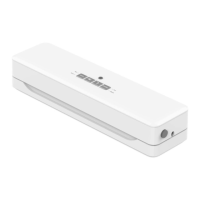
(Pic.2 )
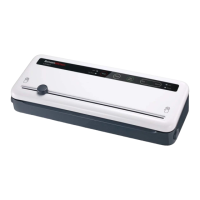
(Pic.3 )
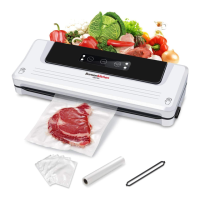
Open the lids by pressing the buttons
on both sides after “Vac” and “Seal”
indicator lights turn off. Take out the
bag. (Pic.4)
(Pic.4 )
Press” Moist” button, indicator light
turns on.(Pic.2)
Press “Vac/Seal” button, it will
automatically vacuum the seal.(Pic.3)
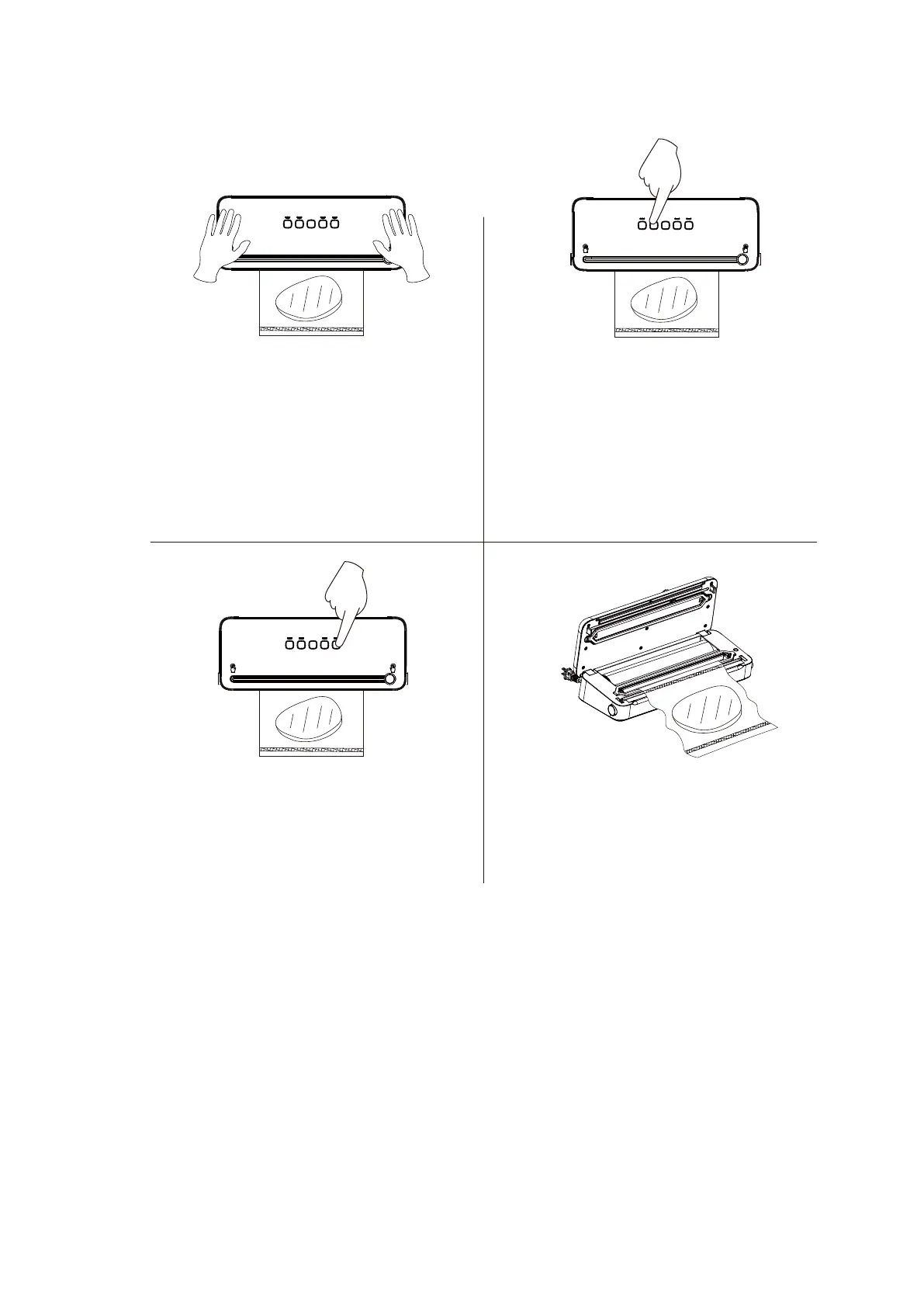
Push down both sides of the lid until
hear a big lock-up sound. (Pic.1)
(Pic.1 )
①
②
③ ④


 To Next Page