Procedure for connection to the computer - Window s VI STA
To connect the keyboard to PC with Windows Vista it is necessary to install a driver. The
installation program is BontempiKeyboardSetup.exe available in the “download area” of website
www.bontempi.com. After the download of the installation program please:
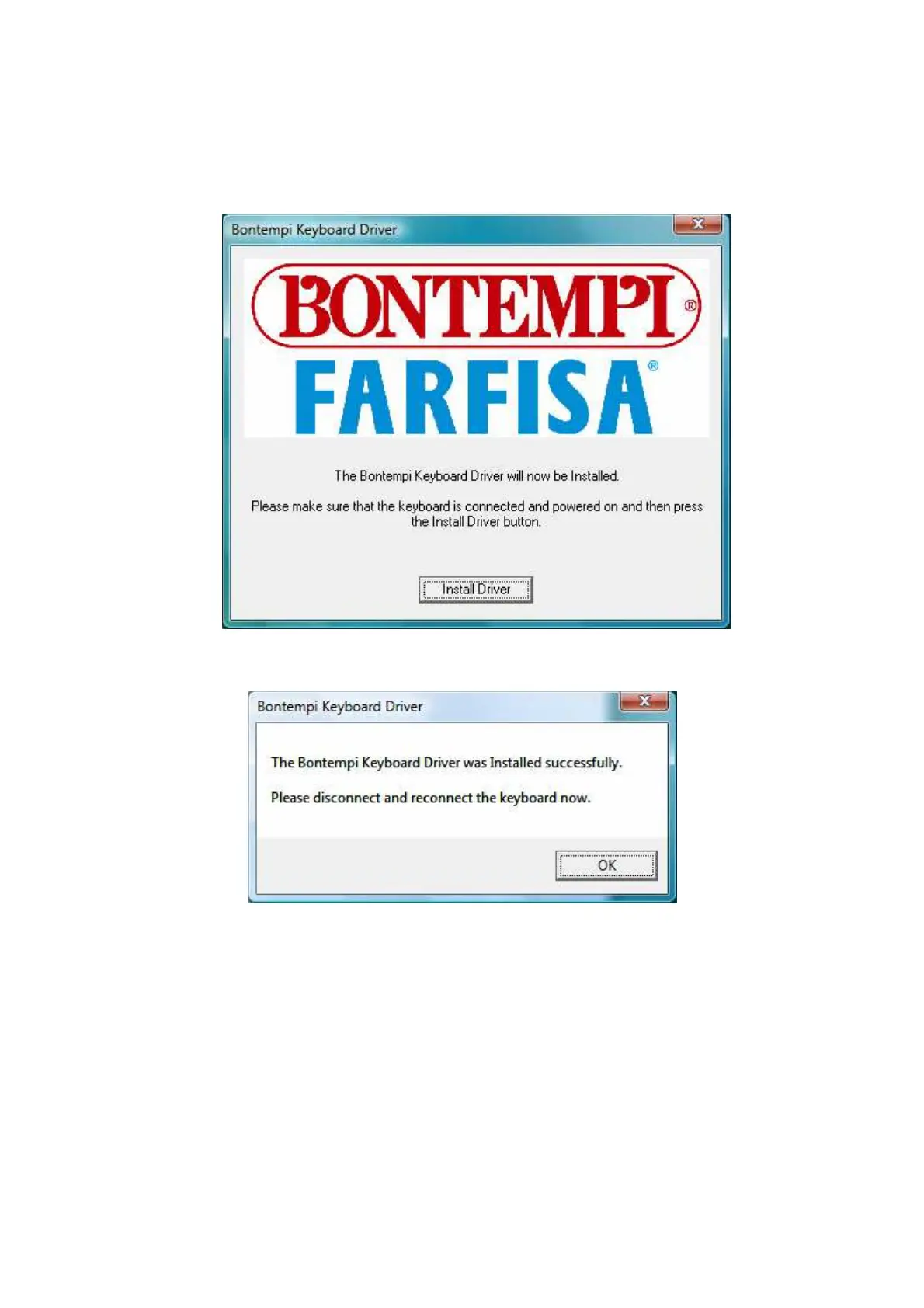
• Launch the programm BontempiKeyboardSetup.exe. This image will appear:
• Push the botton “I nstall Driver”. This new image will appear:
• Push OK. The installation is completed: please disconnect and reconnect the keyboard.



 To Next Page