Basic operation en
7
7.9 Switching off automatic mode
1
▶
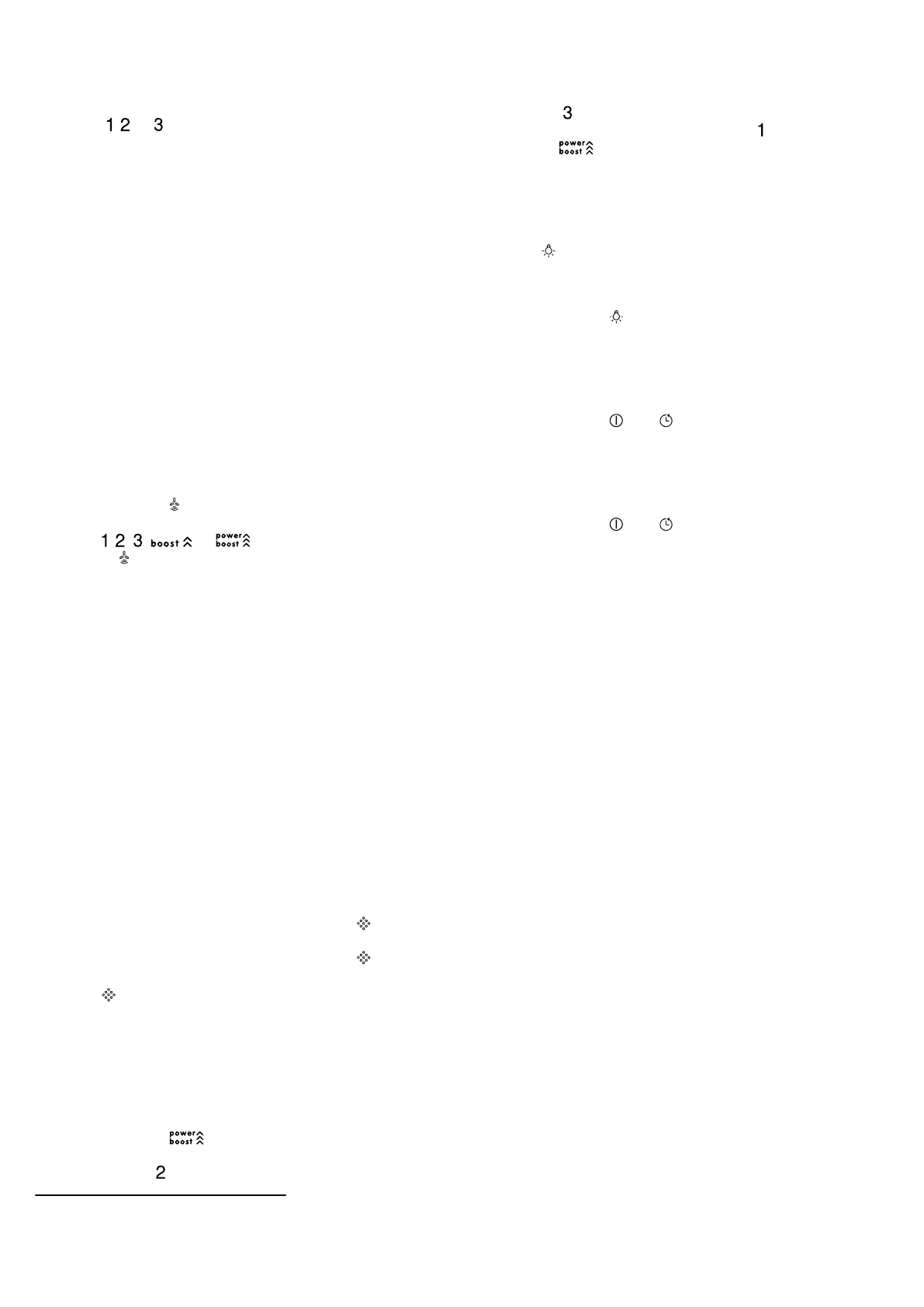
Press , or .
a The ventilation is automatically ended when the
sensor detects no further change in the room air
quality.
a Automatic mode runs for a maximum of four hours.
7.10 Sensor sensitivity
1
In automatic mode, a sensor in the appliance detects
the intensity of the cooking and roasting fumes. De-
pending on the setting of the sensor sensitivity, the op-
timum fan setting is automatically switched on. If the
sensor control system reacts too weakly or too
strongly, the setting for the sensor sensitivity may
change.
¡ Factory setting:3
¡ Lowest setting:1
¡ Highest setting:5
7.11 Setting the sensor sensitivity
Requirement:The appliance is switched off.
1.
Press and hold .
a The setting is displayed after approx. onesecond.
2.
Press , , , or to change the setting.
3.
Release to save the setting.
7.12 Saturation indicator
If the grease filters or odour filters are saturated, cor-
responding symbols flash after the appliance is
switched off.
Note:You can set the saturation indicator in the Home
Connect app depending on the filter used.
Clean the saturated grease filters and, in doing so, ob-
serve the cleaning instructions in these instructions.
Change the saturated odour filters and observe the in-
structions in the accompanying instructions.
If odour filters can be regenerated, follow the instruc-
tions in the accompanying instructions.
7.13 Resetting the saturation indicator
After cleaning the grease filter or after changing the
odour filter, the saturation indicator can be reset.
Requirements
¡ After the appliance has been switched off, and 1
appears on the display for the grease filter.
¡ After the appliance has been switched off, and 2
appears on the display for the odour filter.
▶
Press .
a The saturation indicator is reset.
7.14 Setting the saturation indicator
The saturation indicator must be adjusted depending
on the filter used.
Requirement:The appliance is switched off.
1.
Press and hold .
‒ To set circulating-air mode (non-regenerative fil-
ter), press .
‒ To set circulating-air mode (regenerative filter),
press .
‒ To set air extraction mode, press .
2.
Release to save the setting.
7.15 Switching on the lighting
The lighting can be switched on and off independently
of the ventilation system.
▶
Press .
7.16 Setting the brightness
▶
Press and hold until the required brightness is
reached.
7.17 Switching on the audible signal
Requirement:The appliance is switched off.
▶
Press and hold and at the same time for ap-
prox. threeseconds until a signal sounds.
7.18 Switching off the signal tone
Requirement:The appliance is switched off.
▶
Press and hold and at the same time for ap-
prox. 3 seconds.
a A signal tone will sound.
1
Depending on the appliance specifications



 To Next Page