BT OPERATION
-21-
Bluetooth Operation
1. Pairing and Connecting
Prior to using the BT device named
Boss Audio as a hands-free system
for a BT-enabled mobile phone for the
first time, you must
as follows:
*
system for
a - enabled mobile phone, place the
BT-enabled mobile phone no more
than 3 meters from the head unit;
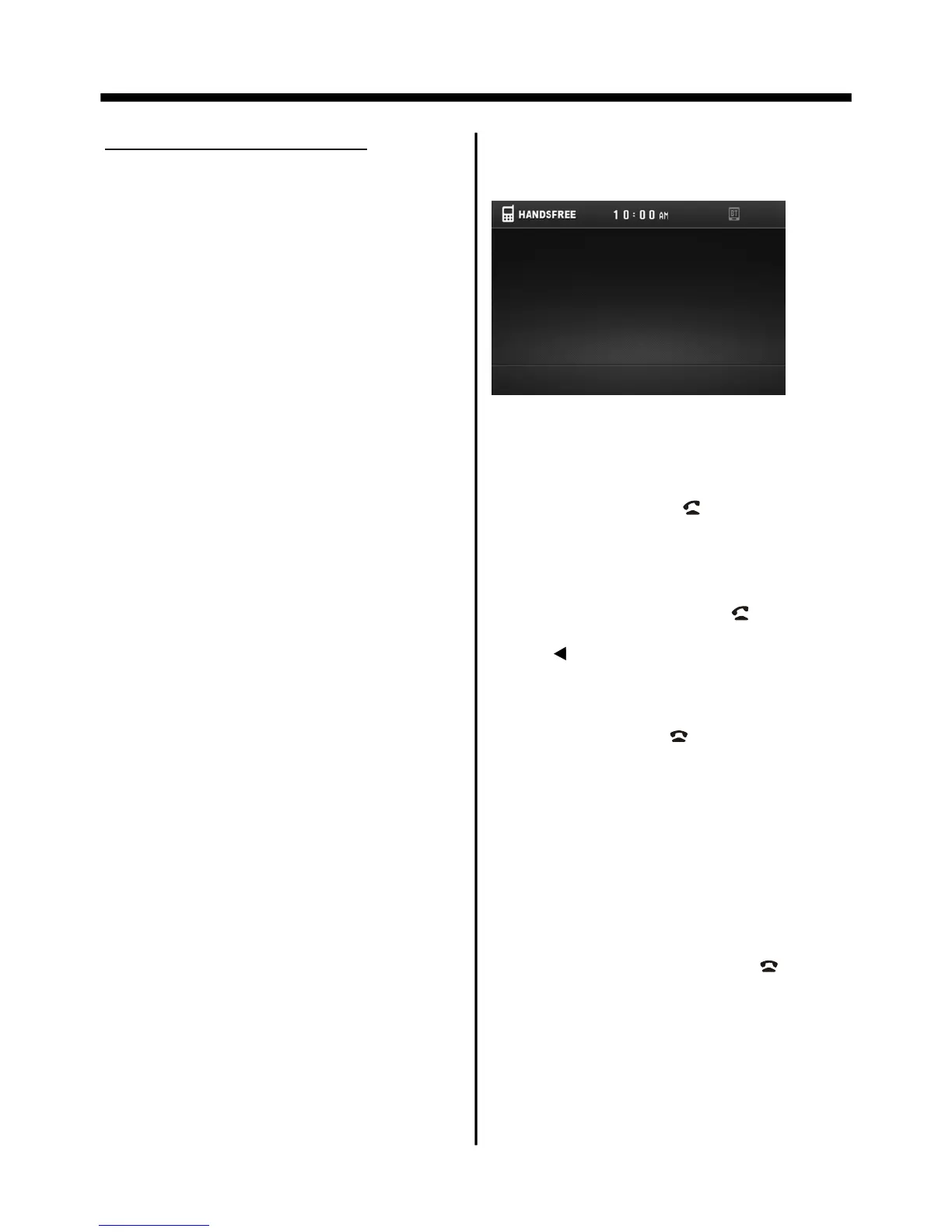
Select the BT hands-free icon or press
PAIR button to turn to BT PHONE mode.
First,switch on the BT function of your
mobile phone; then search and
BT device named , then
select and enter it and i
with the BT device
of the car A/V system automatically.
Then the frame of the BT logo will
light all the time.
* finishing pairing and ing
or the mobile
phone plays music
2. BT PHONE
Once connecting is complete, you may
access the following function. Some of
the below mentioned functions only
accessible for handset supported with
hands-free profile.
In power off mode, a incoming call or
call out to wake up this unit and turn to
BT hands-free mode, when the phone
call ended the unit back to power off
mode.
pair and connect
them
During operation of the device named
Boss Audio as a hands-free
BT
find a
Boss Audio
t will pair and
connect Boss Audio
When connect ,
the audio of the mobile phone transfers
to the car audio system whenever a
call is made or received
.
Answer a call
After you hear the ring tone (the incoming
telephone number will display on the
TFT LCD), press the “ ”button briefly on
the front panel to listen .
Make a call
Dial the number on the remote control
and then press briefly the “ ” button .
When you dials the wrong number,
press “ ” button to delete it.
Redial last number
When displaying BT phone interface,
press and hold the “ ” button(appro-
ximately 2 seconds) on the remote
control to dial out the last dialed phone
number.
Adjust the Volume
During conversation in progress, tune
the Volume switch until you reach the
desired volume level.
End/Reject a call
In BT phone menu, press the “ ” button
briefly on the remote control .
CALL IN PROGRESS
00:01:32



 To Next Page