ACTIVATE
w Ho t
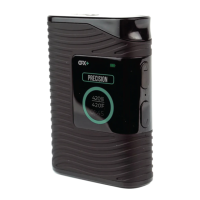
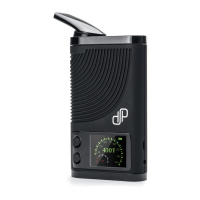
Rapidly press Power button five times within 2 seconds to power on CFX. The display will
turn on.
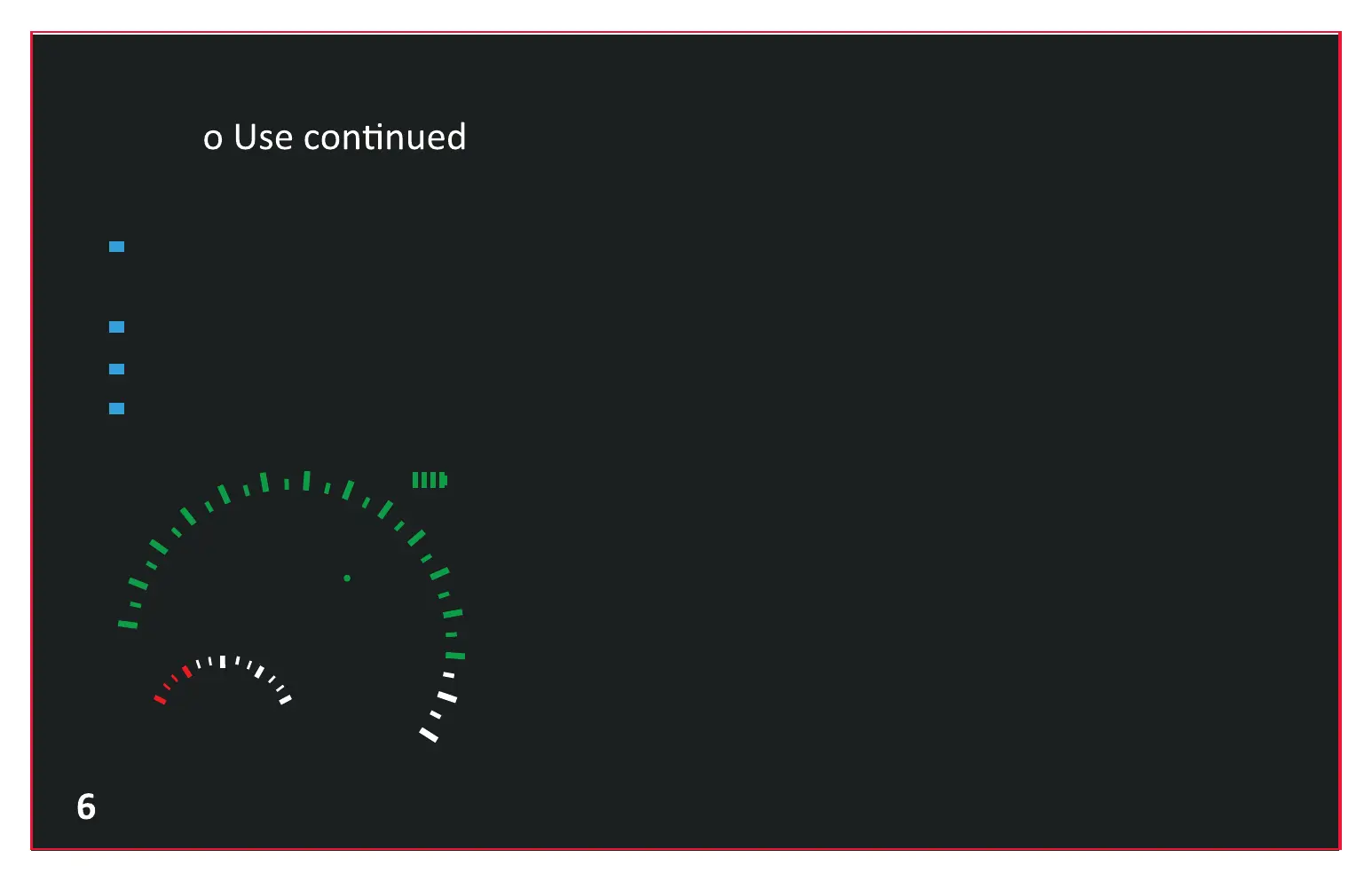
The display indicates the Temperature Information, Battery Status, Session Timer etc.
The Session time is 300 seconds (5 minutes). “S” is short for Starting, “F” is short for Finishing.
The Temperature Range is 100˚F-430˚F, shown as below:
s F
300SEC
400
F
100
150
200
250
300
350
430
400


 To Next Page