Need help?
Do you have a question about the Bowens Pulsar and is the answer not in the manual?
Instructions for removing, fitting batteries, and replacing the cover.
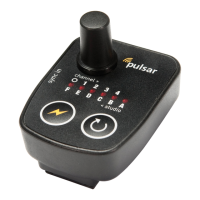
Explains using channel selectors to control lighting equipment settings.
Illustrates how 'All' and specific channel settings trigger receivers.
Demonstrates using a light meter with four flash units set to different channels.
Instructions for setting transmitter channels to measure individual and combined flash power.
Explains isolation for separate lighting studios or users via the selector.
Guides on checking indicator lights for unit status and battery.
Provides steps to resolve issues where the unit does not trigger devices.
Troubleshooting steps for units that are continually transmitting.
 General
| Brand | Bowens |
|---|---|
| Model | Pulsar |
| Category | Camera Accessories |
| Language | English |

 To Next Page