© Audio Trade GmbH · Pro-Ject Control it · Revision 2012.10.1
5
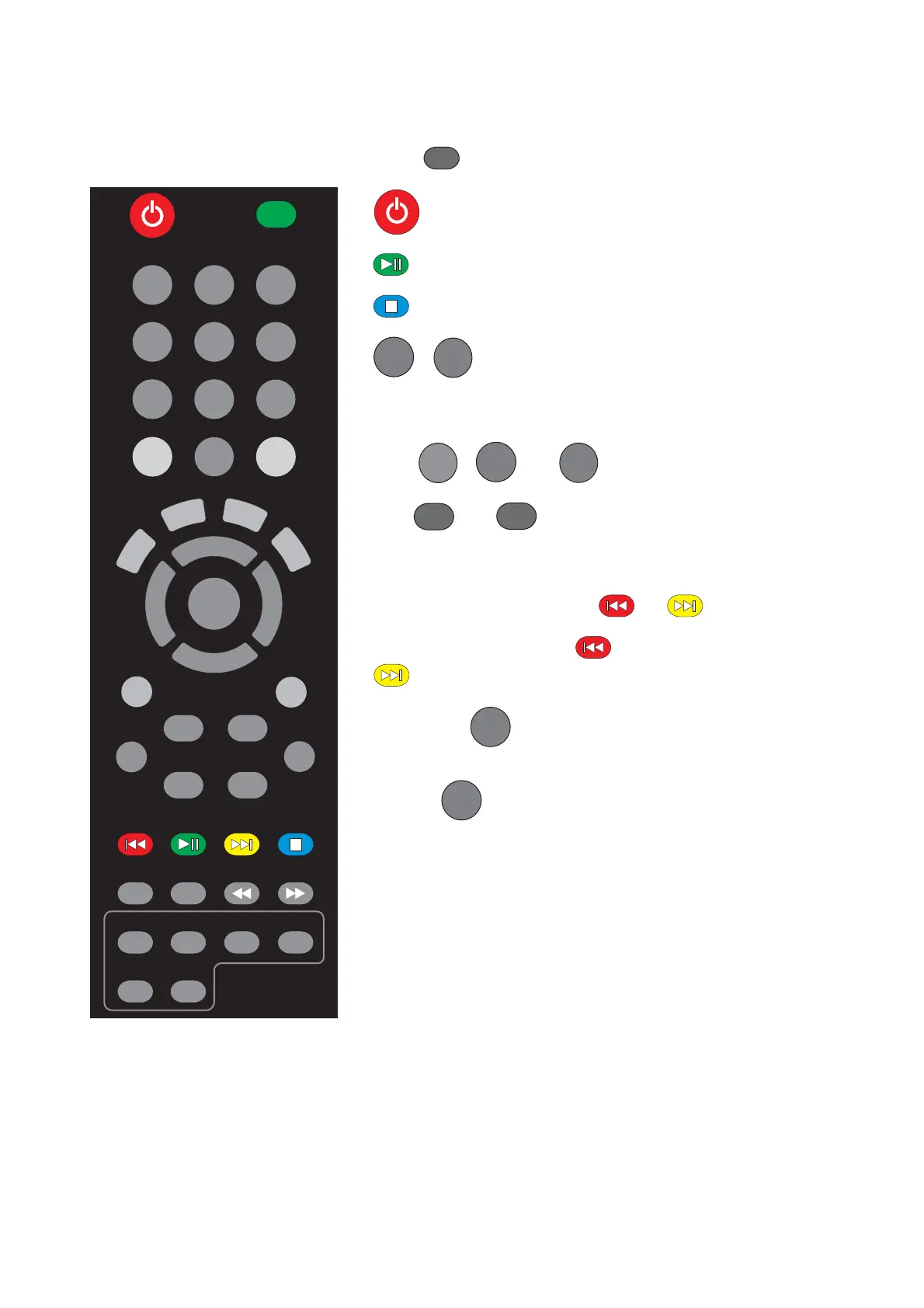
CD-player
press
CD
turns the unit on or back into standby.
starts and pauses playback.
stops playback.
1/M1
-
9/M9
accesses a specific track directly and start
playback.
Higher track numbers - for example, to play track 19,
press
+5/
M10
,
1/M1
and
9/M9
.
VOL
+
and
-
adjust the sound volume of the
pre amplifier, integrated amplifier, receiver or
Juke Box and Juke Box Esprit.
To step between tracks press or .
Press and hold the button for fast reverse scanning.
activates fast forward scanning.
1/M1
2/M2
3/M3
6/M6
9/M9
8/M8
7/M7
4/M4
5/M5
0
+5/
M10
CD
+
-
VOL
* CD Box SE and CD Box SE only
Pressing the
0
button repeatedly selects the repeat
modes in turns. Selects random mode *.
Pressing
0
again takes the CD player back to
standard playback.



 To Next Page