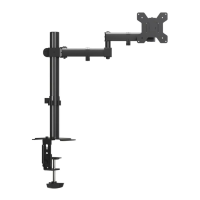
Step 4 Connect Monitor and Mount
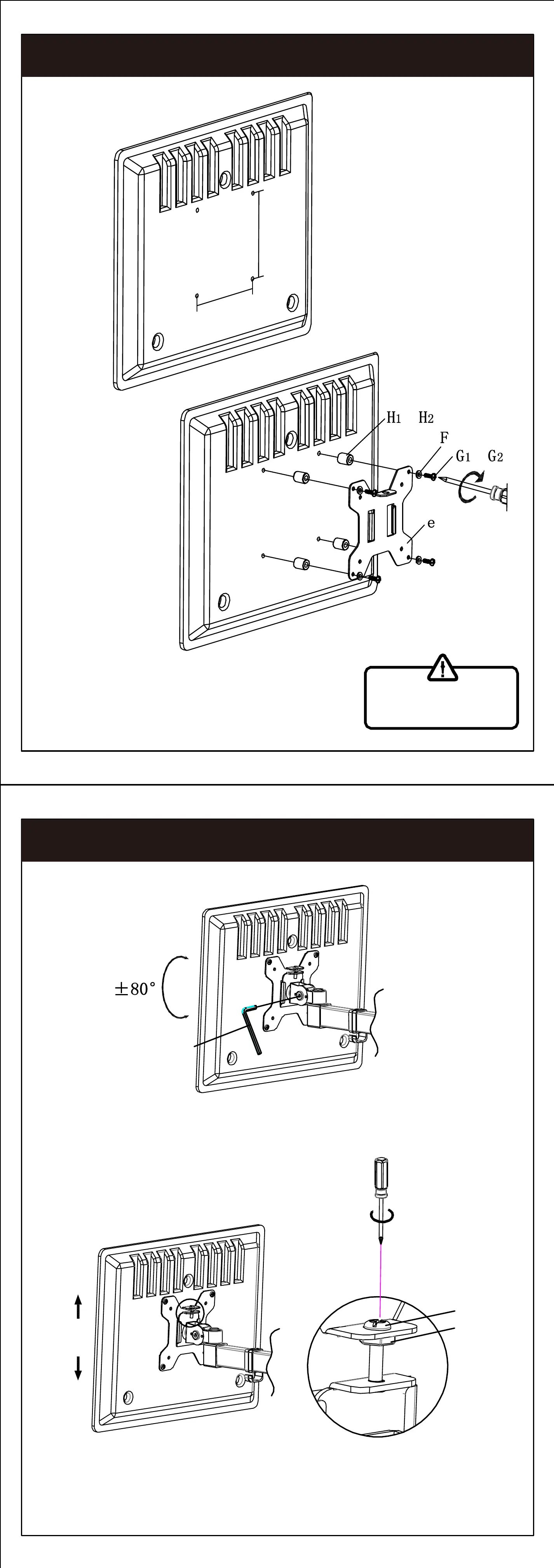
Step 5 Angle Adjustment of Head Sleeve
Step 6 Cable Management
Drive screw pre-positioned in plate into
screw hole in head of swivel arm
Adjust the head of swivel arm according to the
needs in case of sagging of monitor.
To adjust height of monitor, tighten or loosen the screw,
fix plate by tightening nut at proper position.
Insert monitor into the head of swivel arm
Screw
Nut
Make adjustment with wrench (i). Manage cables with arm wire clip (h)
and pole wire clip (g).
i
Step 3 Connect VESA Plate and Monitor
75mm/100mm
75mm/100mm
or
or
WARNING:
Make sure the screws
are tightened.
Drive screw
we hope you never have the need,but if you do,our service
is friendly and hassle-free.
:after-sales@bracketwiser.com
g
h
i


 To Next Page
 Loading...