• For Long Distance events the decimal place can be shifted from 00.00 to 000.0, by the following method:
• With the tripmeter OFF; hold down the Zero Total toggle switch and switch the tripmeter ON.
• The tripmeter will return to it's default 00.00 when the unit is switched Off and On again.
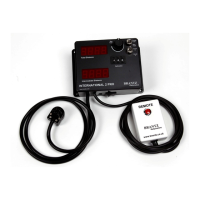
• Driver Display Tripmeter Facilities (BR6-DD):
• The circular Socket on the bottom of the tripmeters for the Driver display unit to attached – Please ensure you screw
the corresponding plug into the socket as this creates the earth connection.
• The RED button on the top of the Tripmeter allows the Co-Driver to scroll through the displays that the driver will
see on his Driver Display Unit (BR61): Total distance : Intermediate Distance
• The driver will see an exact replica of the displays on the tripmeter.
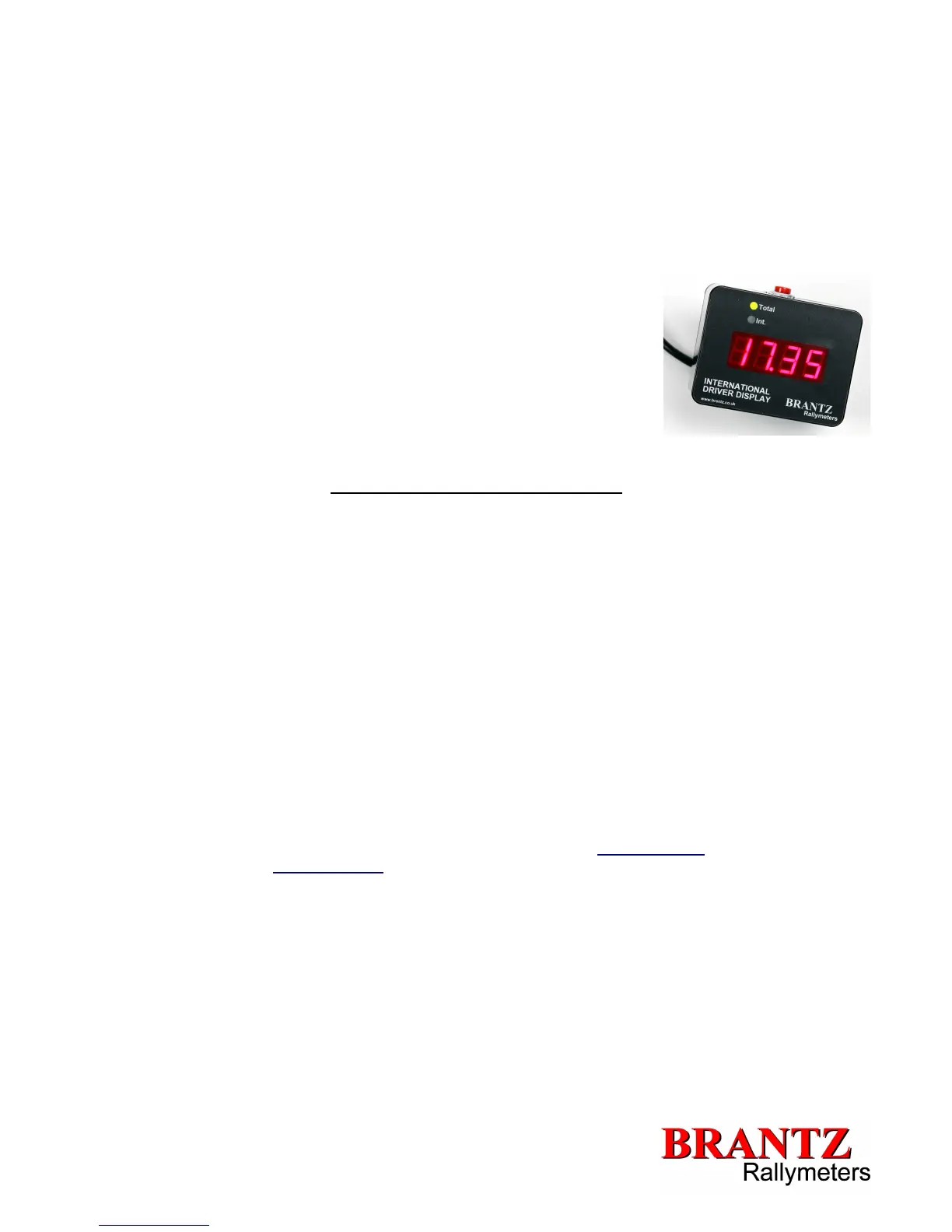
• International Driver Display facilities (BR61):
• The RED button on the top of the Driver Display Unit allows the Driver to scroll
through the displays that the driver will see on his Driver Display Unit (BR61):
Total distance : Intermediate Distance
• A Green LED will light up above the display to indicate which information the
driver is currently viewing.
• The Rocker Switch on the back of the Driver Display Unit has 3 positions:
• ON – OFF – DIM
• The Dim setting reduces the brightness of the displays for night time driving
so as not to glare the driver.
Official Measured Distances and Calibration
If the rally organiser has laid out an 'official distance' or you wish to make your tripmeter read the same as the rally organisers
distances then the following instructions apply for calibration:
• Enter 100 (C) into the push-wheel calibration digits (N.B. If the official measured distance is greater than 20 miles you would
need to enter a much higher figure for C e.g. between 399-999).
• With the Total and Intermediate Displays showing Zero drive the total official measured distance i.e. 4.8 (D) miles and note
down the readings i.e. 21.98 (T) (this should be identical on both Intermediate and Total Displays)
• Now use the following formula:
(T/D) x C
e.g.
(21.98/4.8) x 100
=>4.579 x 100
=>457.91
So enter 458 into your calibration push-wheel switches.
To confirm the figure, re-drive the measured distance and your displays should show the official distance e.g. 4.8 miles.
Trouble-Shooting:
• If you are having problems please see our Trouble-Shooting guide (available at www.brantz.co.uk), contact your local supplier
or Contact us via Email: sales@bantz.co.uk or Phone: 0044 (0) 1625 669366
V1.0


 To Previous Page
 Loading...