Page 8
Browse
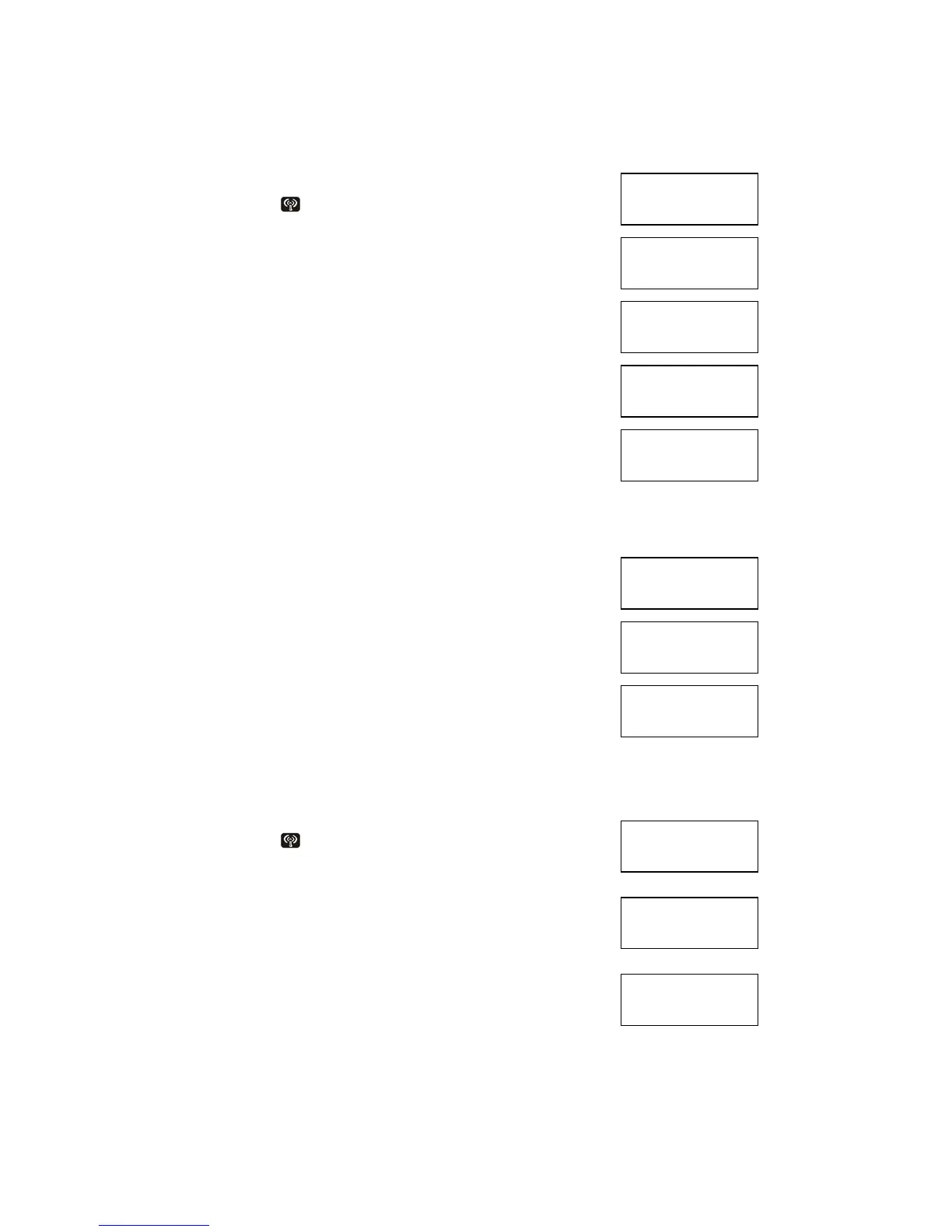
- Press [RF] icon
once
- Press [Up] [Down] to brow record(s)
1st row
- ‘TO:’ indicate mail defined by user
- ‘FROM’ indicate received mail
2nd row
Chat-Name/Message
- [Left] [Right] to view record
- Press [EDIT] to forward (send mail) or reply
(received mail)
- Press [Send] to send message
- Press [Enter] to input message
- Press [Enter] to save message
- BLANK the receiver field to send to all
Response
- Send to single
- Bratz Express Chat
™ will “BEEP” once when ACK
received & prompt “SEND OK!” for 2 seconds
-
Send to all
-
Unit will not “BEEP”
-
If communication is busy, unit will prompt
“CHANNEL BUSY”
If send success, unit will prompt “SEND DONE”
Chat
- Press [RF]
2 times to enter chat mode
-
Chat-Name (12 letters), Text (48 letters)
Master
-
Press [Enter] to search people
- Input chat-name in 2nd row
- Press [Up] [Down] to browse the name field from
phonebook record if not empty
- Bratz Express Chat
™ will send message to
Receiver & wait for ACK
- Bratz Express Chat™ will “BEEP” once when
Receiver is ACK
EMAIL
RECORD: 4



 To Next Page