Warranty and Registration Instructions
Immediately upon receiving the lift, examine the unit
for any damage. Notify the carrier at once with any
claims.
Login to BraunAbility portal to submit warranty
registration. A copy of the warranty is provided in
the back of this manual.
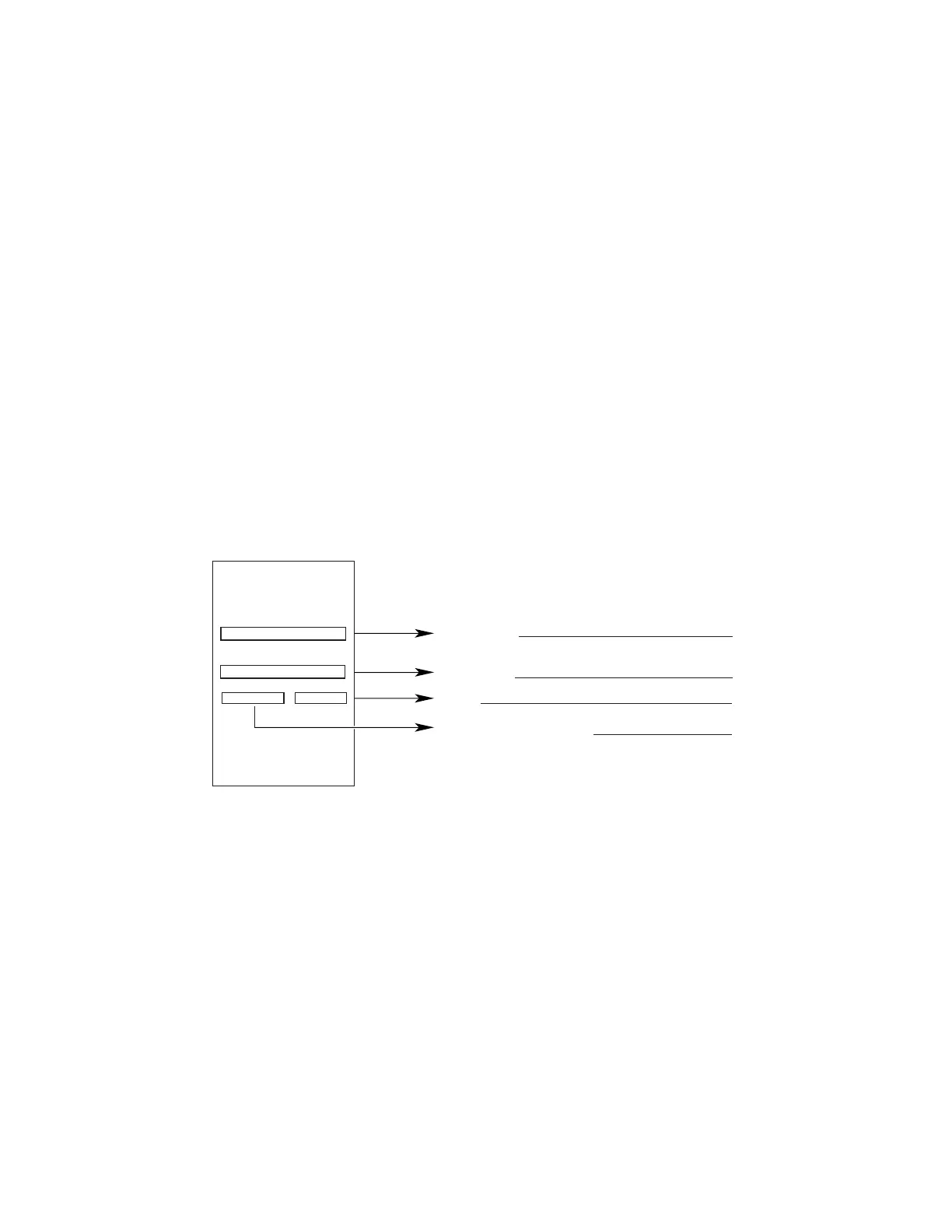
Sample Serial Number Identication Tag
Model No.
Serial No.
Rev.
Date of Manufacture
BraunAbility
®
INDIANA, USA
BRAUNABILITY.COM
REV
XXXXXXX
SERIAL NUMBER
XXXX Use Lift
Max. Lifting Capacity - XXX lb
XXXXXXX
MODEL NUMBER
MFG DATE
XXXXXXX
X
Two BraunAbility
®
Serial No. identication tags
(shown below) are posted on the lift. One I.D.
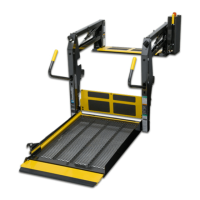
tag is posted on the opposite pump side vertical
arm. A second I.D. tag is located on the opposite
pump side tower. I.D. tags have the product
identication information needed to le a warranty
claim or to order parts. Record the information in
the space provided below.




 To Next Page