EasyManua.ls Logo

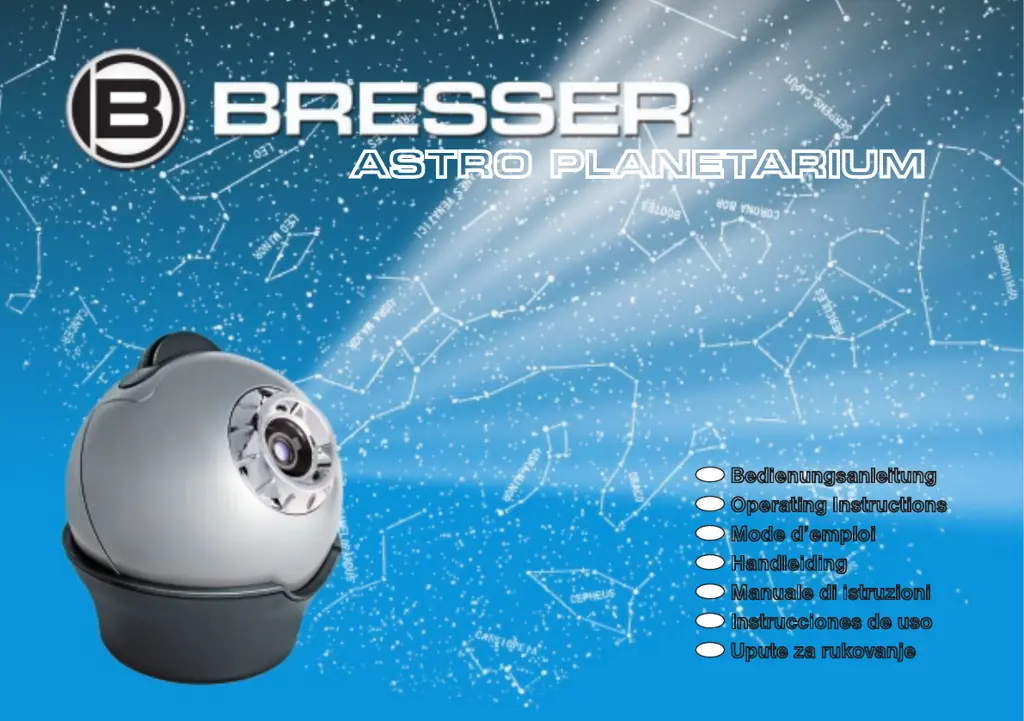
Bresser ASTRO PLANETARIUM - User Manual

Bresser ASTRO PLANETARIUM
68 pages
Go to English
Print Icon
To Next Page IconTo Next Page
Loading...
DE
Bedienungsanleitung
GB
Operating Instructions
FR
Mode d’emploi
NL
Handleiding
IT
Manuale di istruzioni
ES
Instrucciones de uso
HR
Upute za rukovanje
ASTRO PLANETARIUM

Questions and Answers

  • D
    dennis82Jul 27, 2025
    Why is my Bresser ASTRO PLANETARIUM image fuzzy?
    • A
      Amber GarciaJul 27, 2025
      The projected image may appear fuzzy for a couple of reasons. First, ensure the Bresser Projector is at least 1.8 to 2 meters away from the projection surface (wall or ceiling). If the distance is correct, try adjusting the focus by turning the focus knob.
  • A
    Albert WardJul 31, 2025
    What to do if my Bresser ASTRO PLANETARIUM Projector won’t turn on?
    • J
      Jason YoungJul 31, 2025
      If your Bresser Projector isn't turning on, first check that the batteries are installed correctly, paying close attention to the positive (+) and negative (-) terminals as indicated in the instructions. If they are correctly installed, try replacing the batteries with new, unused ones, again ensuring correct terminal alignment.
  • R
    Ruth WoodsAug 4, 2025
    What to do if the projected image from my Bresser ASTRO PLANETARIUM Projector is not visible?
    • A
      Amy GillAug 4, 2025
      If the projected image from your Bresser Projector is not visible, the sleep mode may be activated. To resolve this, turn the projector off using the On/Off switch, wait about 10 seconds, and then turn it back on.
  • M
    Mark CortezAug 8, 2025
    Why is my Bresser Projector only projecting a bright circle of light?
    • M
      matthew82Aug 8, 2025
      If your Bresser Projector is only projecting a bright circle of light, it’s likely that you have forgotten to place a slide plate in the machine. To fix this, insert one of the two slide plates into the slide plate holder.
  • D
    Dale BergAug 13, 2025
    Why is my Bresser ASTRO PLANETARIUM not projecting the correct sky portion?
    • G
      gary13Aug 13, 2025
      If your Bresser Projector isn't projecting the desired portion of the sky, ensure the correct slide plate is in the holder. Also, verify that you have accurately set the date and time of the observation time span as described in the instructions.
  • J
    James DeanAug 17, 2025
    What to do if the projected image from my Bresser Projector is showing flecks?
    • M
      Michelle ParkAug 17, 2025
      If the projected image from your Bresser Projector is showing flecks, the objective lens is likely dirty. Clean the objective lens with a clean, lint-free cloth, as described in the instructions.
  • J
    James AdamsAug 21, 2025
    How to fix a distorted image on my Bresser ASTRO PLANETARIUM?
    • D
      Dr. Christina ReyesAug 21, 2025
      If the projected image from your Bresser Projector is distorted and not completely round, the objective lens may not be perfectly parallel to the projection surface (wall or ceiling). Try adjusting the projector in its pedestal so that the objective lens is parallel to the projection surface.

Summary

Getting Started with Your Planetarium

Setting Up the Astro Planetarium

Step-by-step guide for installing batteries and correctly positioning the planetarium for projection.

Operating the Astro Planetarium

Sky Projection Setup

Instructions on how to set the date and time for projecting the desired night sky view.

Advanced Operation Features

Troubleshooting Common Issues

Problem Solving Guide

Addresses common operational problems like power issues, image distortion, and focus difficulties.

Further Troubleshooting Steps

Advanced Problem Resolution

Provides solutions for issues related to projection display, incorrect sky portions, and sleep mode activation.

Bresser ASTRO PLANETARIUM Specifications

General IconGeneral
TypePlanetarium Projector
Light SourceLED
Power SupplyAC adapter or batteries
ControlButtons
Projection Diameter1.6m to 3.2m
Number of StarsOver 8, 000
Dimensions165 x 163 x 150 mm

Related product manuals