WIRED OPERATION
If connected with a USB-C™ cable to a Chrome OS™ device, your Brydge will enter
wired operation mode. The keyboard will act as a standard USB wired keyboard
while connected, simultaneously charging the battery and functioning as a wired
keyboard.
When the cable is disconnected your Brydge will automatically reconnect via
Bluetooth
TM
with the last paired device.
5
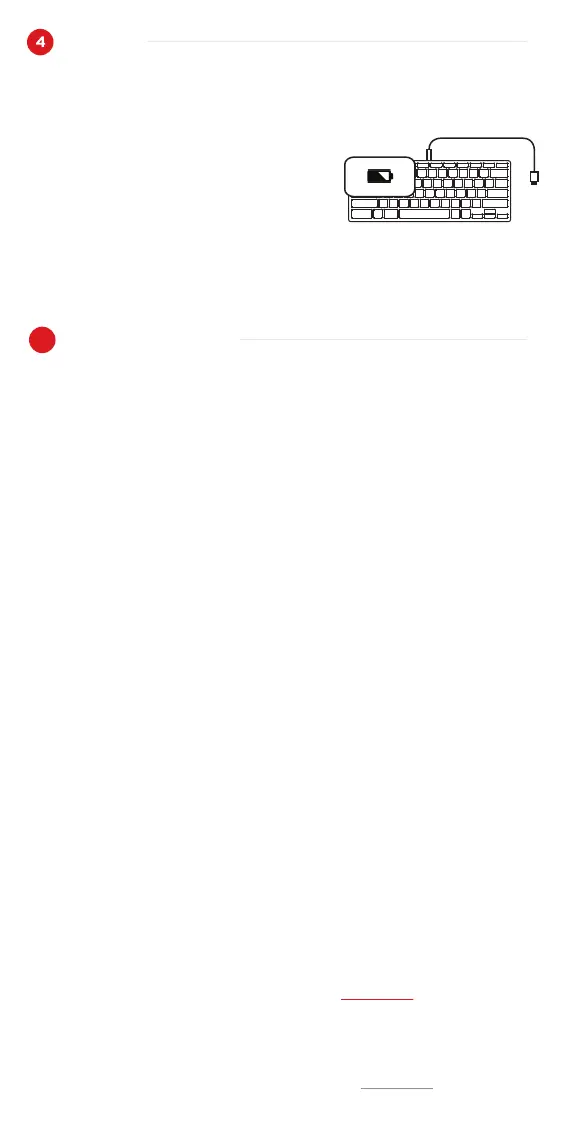
To charge your Brydge C-Type, insert the
supplied USB-C™ cable into the charging port.
The battery is charging when the LED is red.
The LED will turn off when the battery is fully
charged.
CHARGE
Mise sous tension/hors tension
Fonctionnement avec fil
S’il est connecté avec le câble USB-C™ à un appareil Chrome OS™, votre Brydge
entre en mode de fonctionnement avec fil. Le clavier agit comme clavier USB
standard à fil lorsqu’il est connecté, tout en chargeant la pile.
Lorsque le câble est déconnecté, votre Brydge se connecte de nouveau automa-
tiquement par Bluetooth avec le dernier appareil jumelé.
Pour charger votre Brydge C-Type, insérer le
câble USB-C™ dans le port de recharge.
La pile se charge lorsque la lumière DEL est
rouge. La lumière DEL s’éteint lorsque la pile
est entièrement chargée.
Have a question?
Contact Brydge directly at support@brydge.com
Find more information at www.brydge.com
Avoir une question?
Contacter Brydge directement à support@brydge.com
Trouvez plus d'informations sur www.brydge.com



 To Next Page
 Loading...