Proper Shutdown Procedure
The SkyBridge is a computer with an OS running on it.
Therefore, simply pulling the power plug without
properly shutting it down may cause file corruption.
1. Follow steps 3-5 in the Initial Setup section of this
quickstart guide to log in to your SkyBridge.
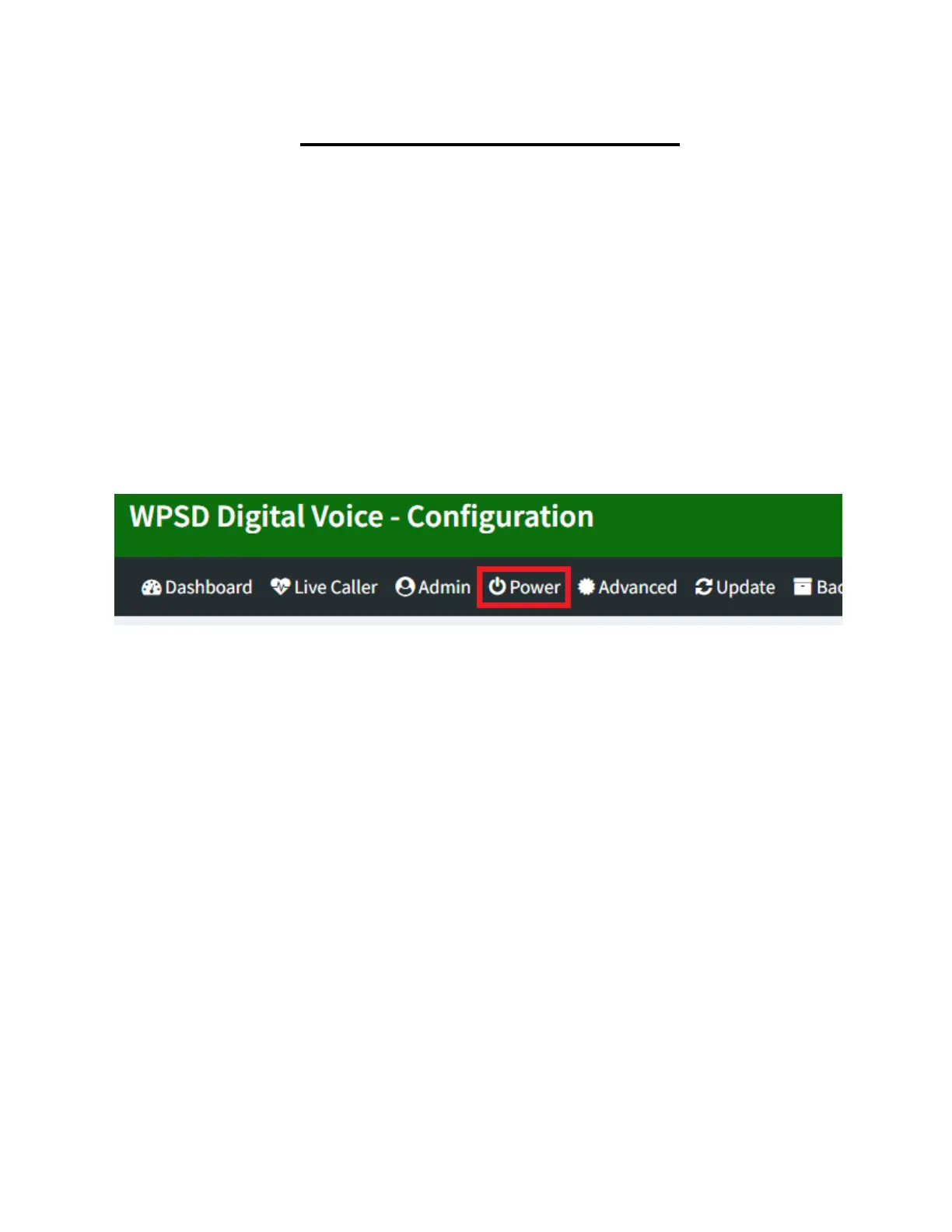
2. Click Power at the top of the page.
3. Click the button under Shutdown and wait 60
seconds before unplugging your SkyBridge.



 To Next Page