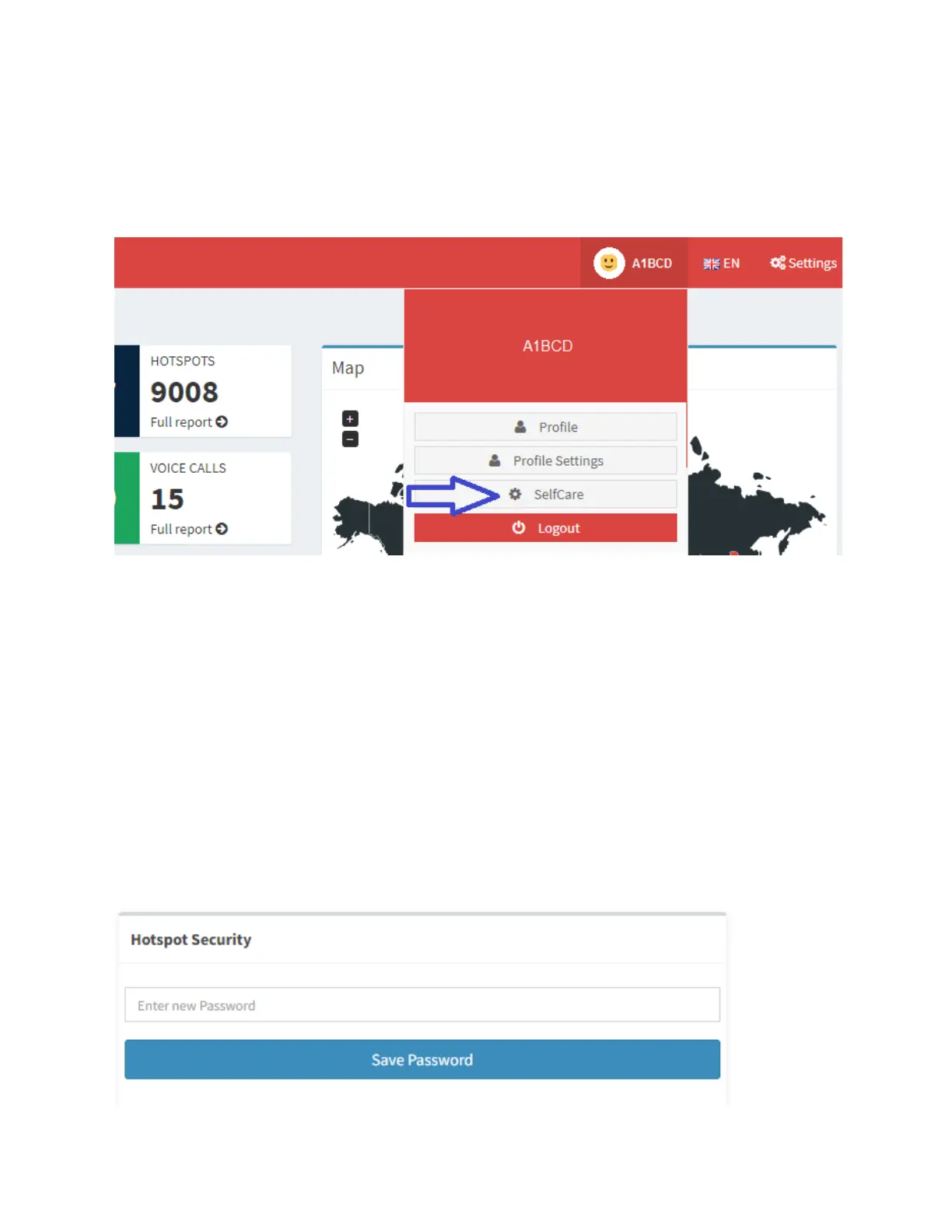
click on your callsign. This will open a menu,
and next, click SelfCare.
h. Scroll down to the section labeled Hotspot
Security and type in a simple alphanumeric
string that you will easily remember. Then click
the Save Password button. A popup will appear
to confirm the setting of this password. You will
need this password later when setting up your
SkyBridge, so be sure to remember it.



 To Next Page