SOL Mid - Light modes & runtime
Max working hours may vary between units and places of use. The numbers above are estimates based on optimal working conditions.
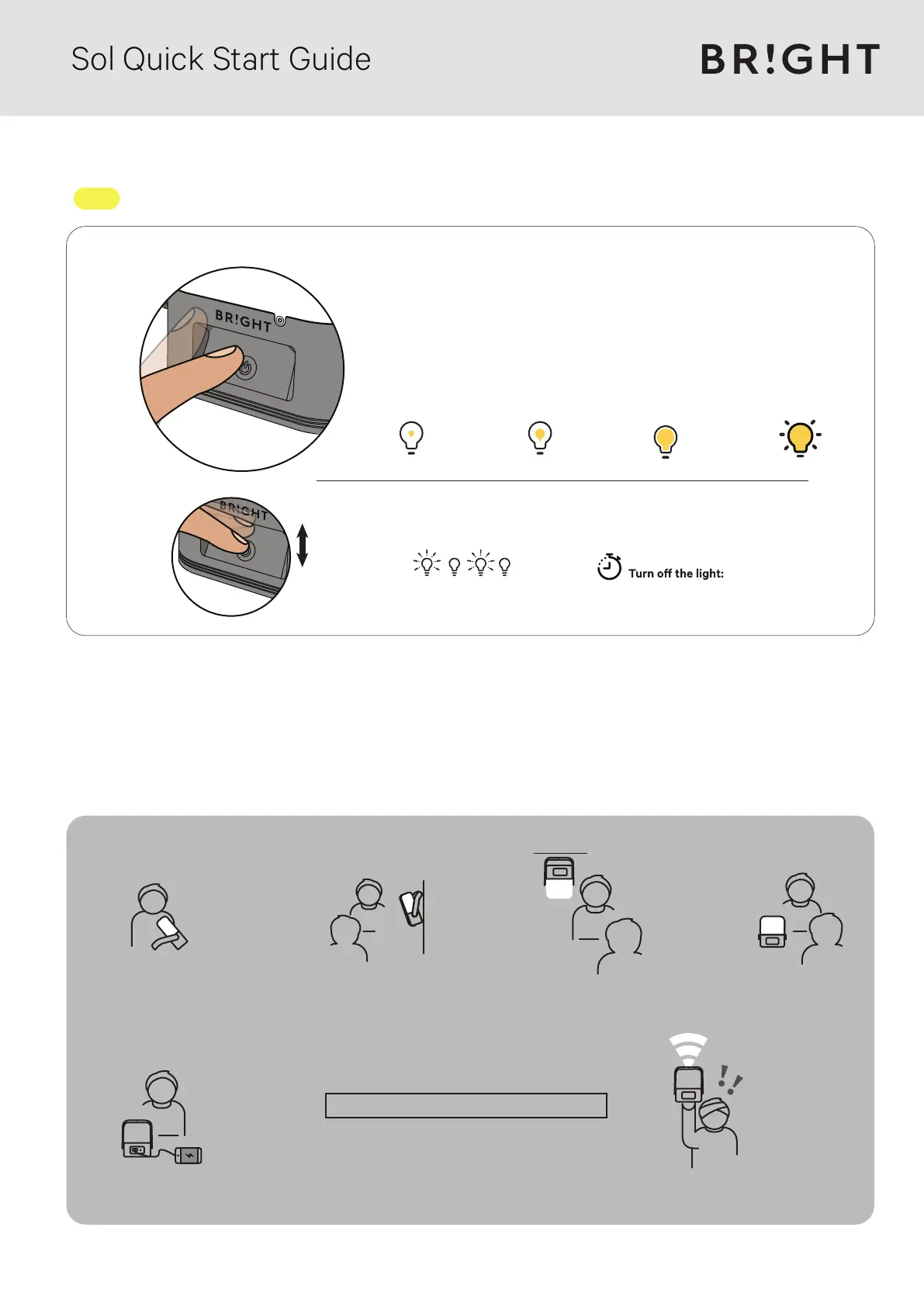
Press the power button quickly twice to activate
the emergency strobe light.
Emergency light:
After 5 seconds without pressing the power button,
the next press will always turn OFF the light.
On a full battery, pressing the ON/OFF button gives:
1
st
press
280 hours+
5 lumen
65 hours+
20 lumen
2
x2
nd
press
11 hours+
100 lumen
3
rd
press
11x 30 mins
230 lumen
4
th
press
(**) With a power output of 5V at 0.5A, Sol
can charge a variety of phones and small devices.
Some phone models / tablets may not accept the
charging current from Sol.
A phone/device will not charge if the battery is low.
Connect your phone or devices to Sol
with a USB cable and start charging.
(**)
Phone/device charging
Reading/task lightReading/task light Hanging light
Emergency strobe light
Wall light Lantern
Lamp Functions
Sol Quick Start Guide


 To Next Page
 Loading...