10
VIEWING TEMPERATURE IN CELSIUS/FAHRENHEIT
The WeatherCast automatically displays the temperature in Fahrenheit.
To view the temperature in Celsius, use a small pointed object to press the F/C
button located inside the battery compartment. Screen will show CELSIUS for
5 seconds to confirm choice.
Repeat this process to change back to Fahrenheit and the screen will show
FAHRHT for 5 seconds to confirm choice.
“FEELS LIKE” TEMPERATURE
The WeatherCast shows the current “feels-like” temperature. This is a combination of
wind-chill in the winter and heat-index in the summer.
Note: When you first power-up your device, the “feels-like” temperature
may not appear at the same time as the current temperature.
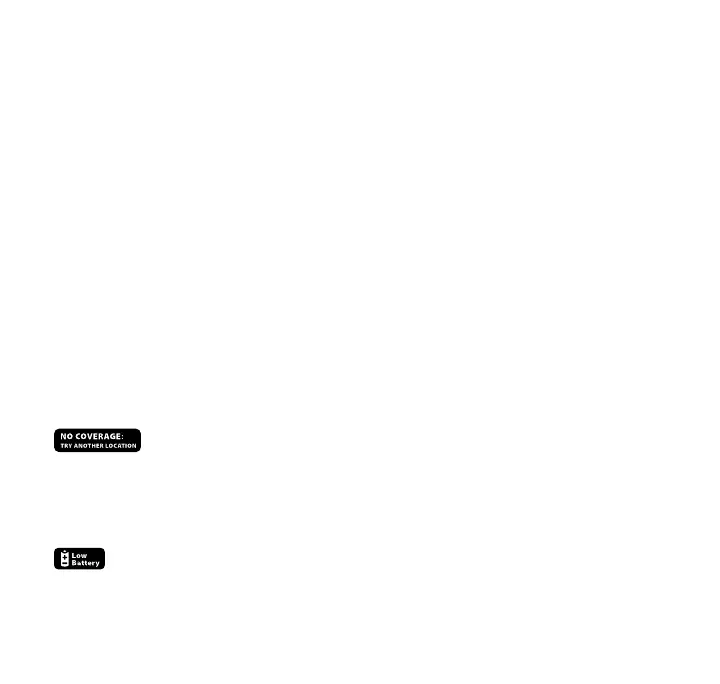
“NO COVERAGE” MESSAGE
will appear when your device has been unable to receive a signal
for an extended period. Check our map at http://map.myambient.com to ensure
that your location receives coverage from our network.
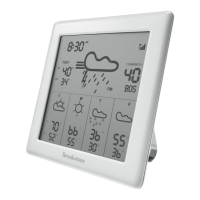
BATTERY LOW INDICATOR
will appear when the device’s batteries are low and need to be replaced.


 To Next Page