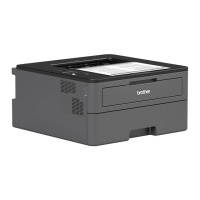
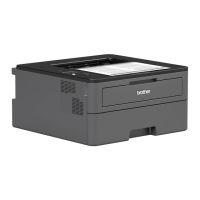
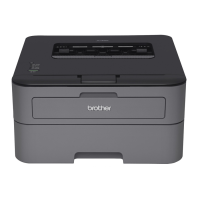
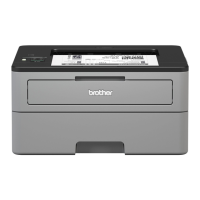
HL-L2350DW/HL-L2351DW/HL-L2370DN/HL-L2375DW/
HL-L2376DW/HL-L2385DW/HL-L2386DW
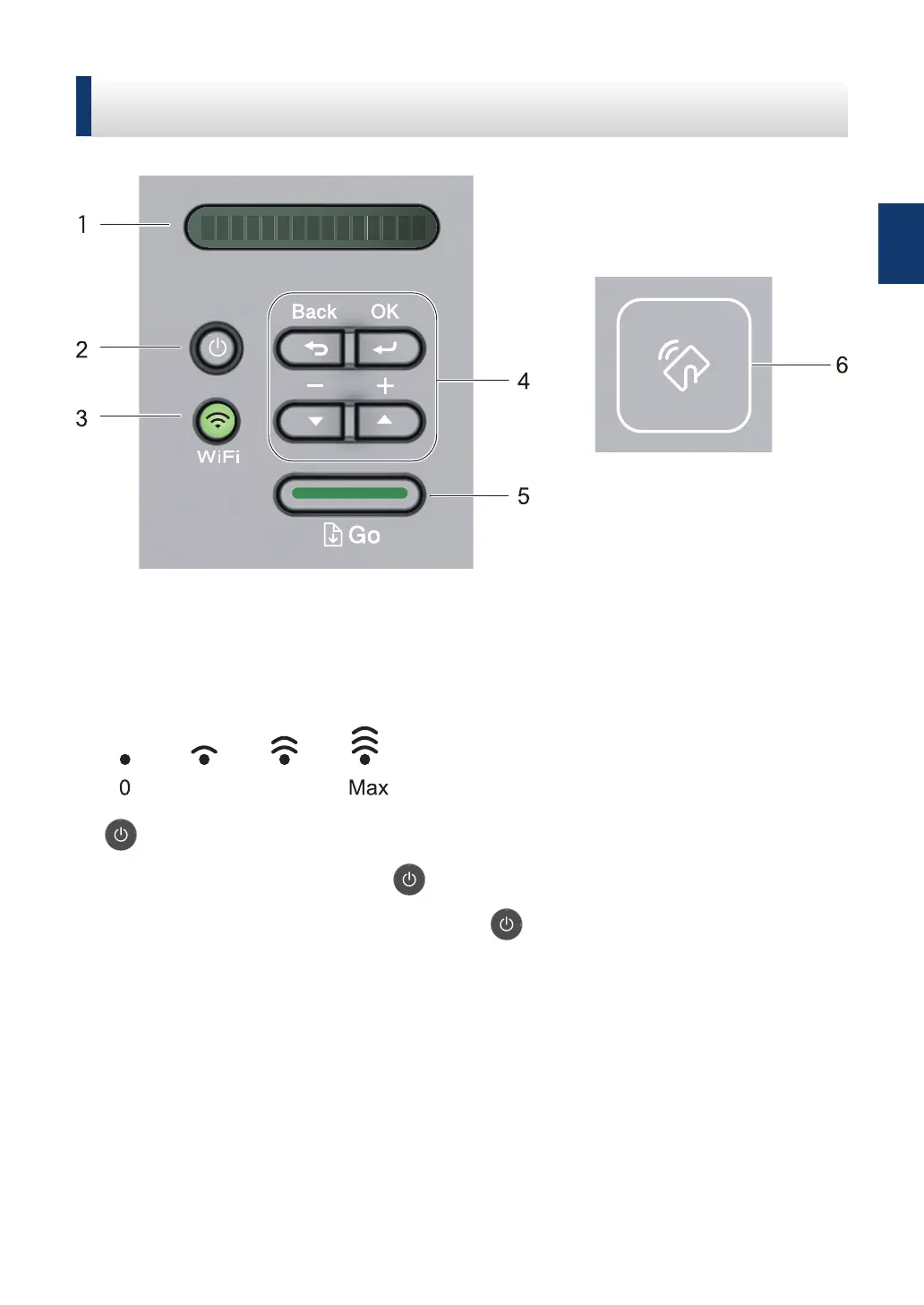
The control panel will vary depending on your model.
1. LCD (Liquid Crystal Display)
Displays messages to help you set up and use your machine.
Wireless Models:
A four-level indicator shows the wireless signal strength if you are using a wireless
connection.
2. Power On/Off Button
• Turn on the machine by pressing .
• Turn off the machine by pressing and holding . The LCD displays [Shutting Down]
for a few seconds before going off.
3. Network Buttons
• Wired Models:
Network
Press Network to set up wired network settings.
• Models with Wireless Function:
WiFi
Press the WiFi button and launch the wireless installer on your computer. Follow the on-
screen instructions to set up a wireless connection between your machine and your
network.
1
General Information
5



 To Next Page
 Loading...