27
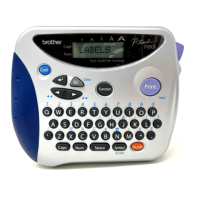
CLEAR FUNCTION
The clear function is used to remove all characters from the display so that you can
begin entering new text. Although all of the text is erased, the Caps mode and the char-
acter format settings (size, width, style, underline and frame functions) do not change.
To delete all of the text:
● Hold down and press . All of the text is erased from the display.
EXAMPLE
To clear the display:
● Hold down and press .
Code
Clear
BS
Caps
4:
2-345-6789_
3:
bury, Lond
A
A
A
A
A
Length
Wide
A
A
A A
A
Auto
Underline
Frame
AA
Caps
A
A
A
AA A
A
Length
Wide
A
A
A A
A
Auto
Underline
Frame
1:
_
ABCDEFGHIJKL
Code
Clear
BS



 To Next Page
 Loading...