Advanced Opreation
Layout & Editing
199
Layout & Editing Saving and Printing
Adding comments to saved
.pes files
You can enter comments and information about the
pattern to a saved .pes file.
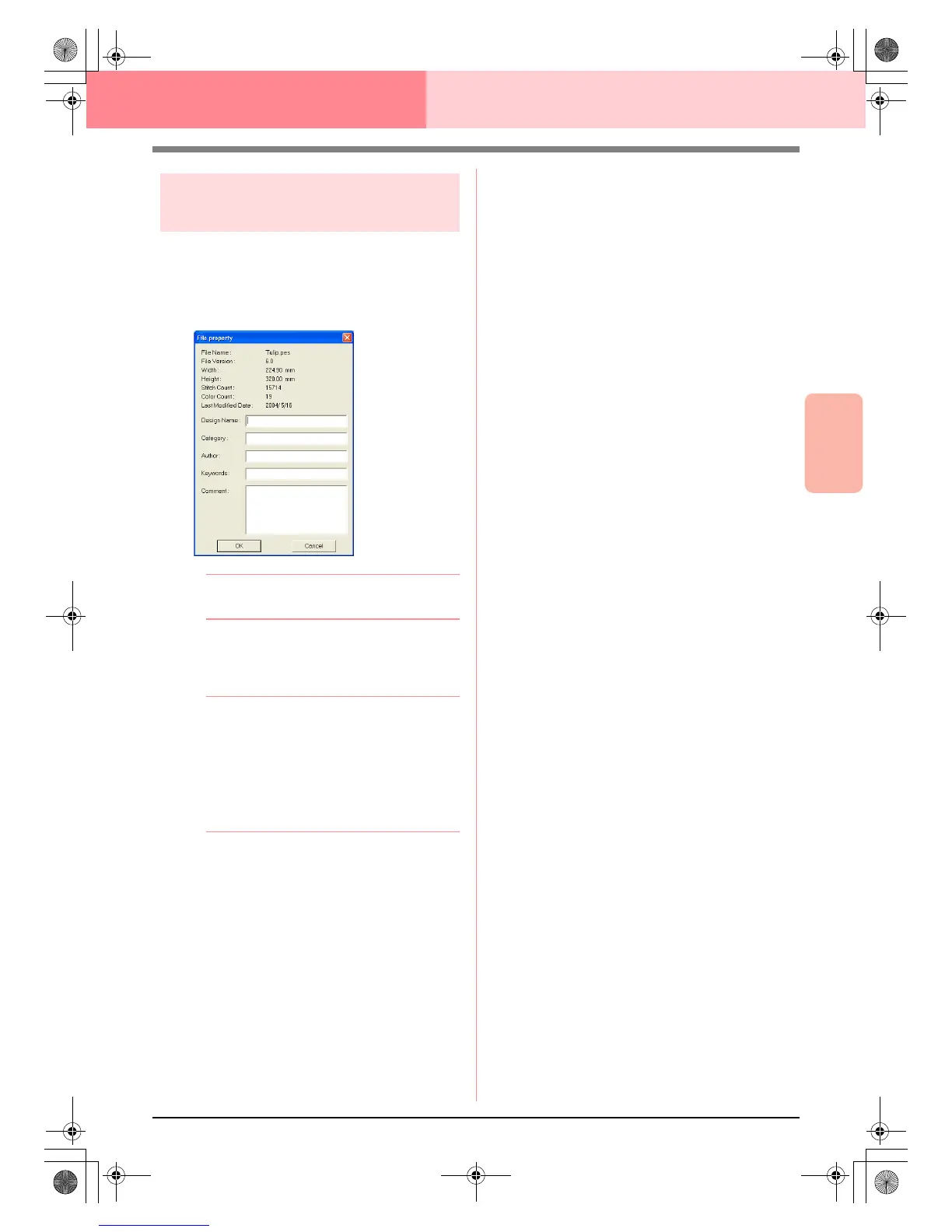
1. Click File, then Property.
→ The File Property dialog box appears.
b Memo:
The stitch count is the total of all stitches.
2. To enter or change the information, type it in.
3. Click OK to save the entered information.
b Memo:
• The entered information will be saved to
the file the next time that it is saved.
• To quit the operation and close the dialog
box, click
Cancel
.
• Files can be searched for in Design
Database according to the entered
information.
PeDesignV6Eng.book Page 199 Thursday, July 8, 2004 11:59 AM



 To Next Page
 Loading...


