Setting Up the Label Printer
3
1
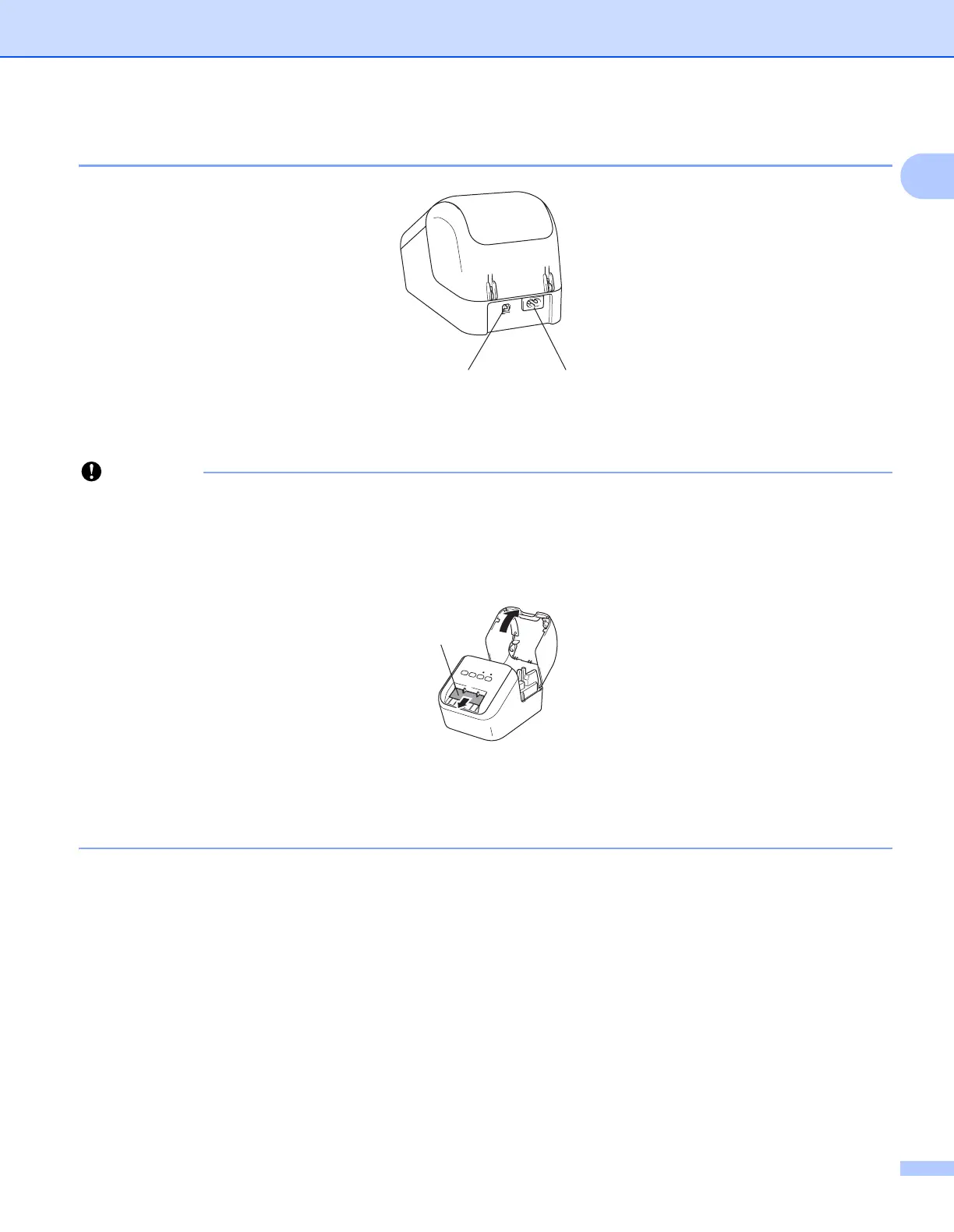
Rear 1
1 Power Cord Slot
2 USB Port
Before using the printer, make sure you remove the protective sheet according to the following procedure:
1 Make sure that the printer is turned Off.
Hold the printer by the front, and firmly lift the DK Roll Compartment Cover to open it.
2 Remove the protective sheet from the Label Output Slot.
• Do not throw away the protective sheet.
• When the printer is not in use, lift the DK Roll Compartment Cover and remove any DK Rolls from
inside the printer. Reinsert the protective sheet into the Label Output Slot to maintain good printing
quality.
Protective
sheet



 To Next Page
 Loading...










