Setting Up the Label Printer
6
1
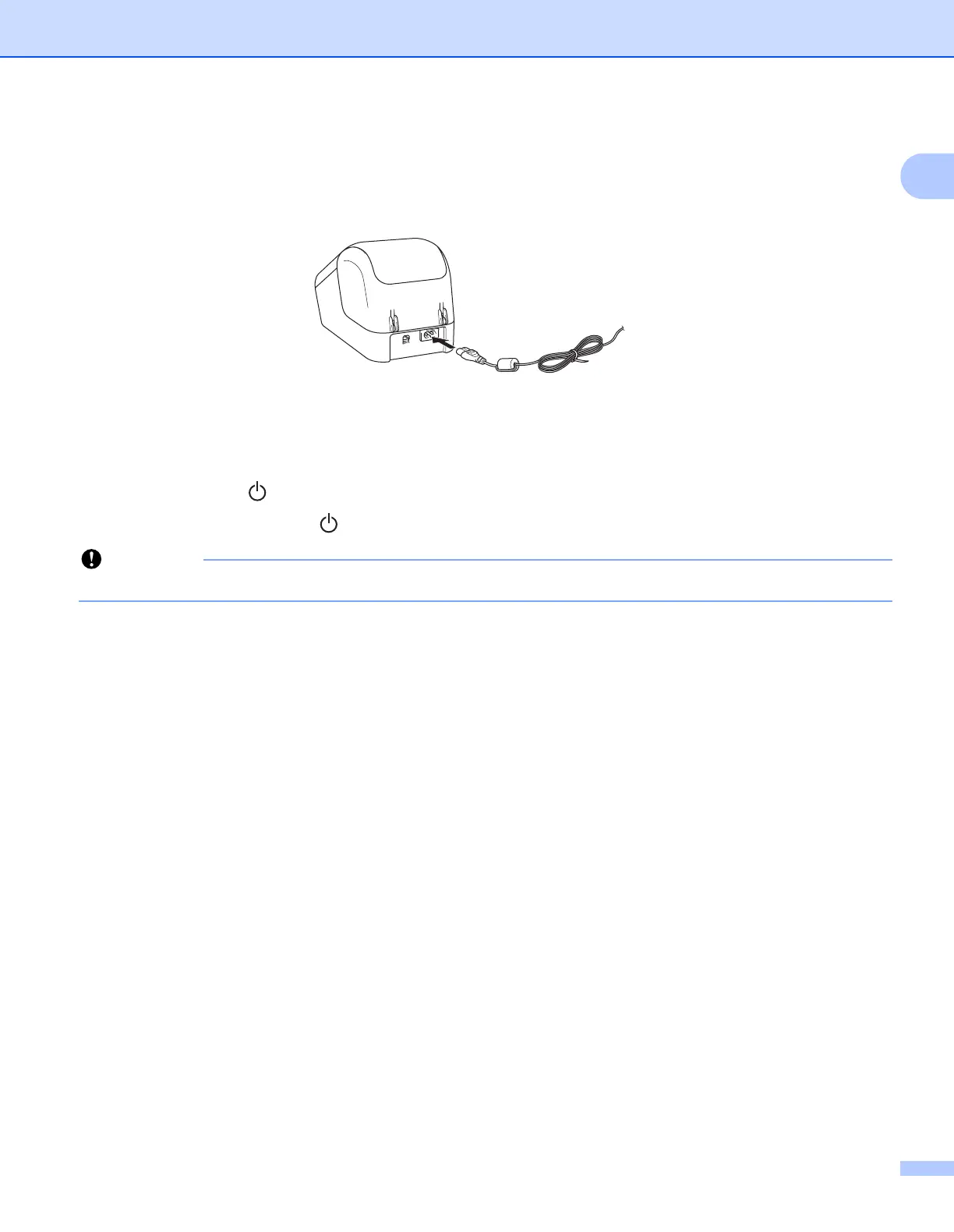
Connecting the AC Power Cord 1
Connect the AC Power Cord to the printer. Then, plug the AC Power Cord into an earthed electrical socket.
Turning Power On/Off 1
On: Press the Power ( ) Button to turn the printer On. The Status LED turns green.
Off: Press and hold the Power ( ) Button again to turn the printer Off.
When turning the printer Off, do not disconnect the AC Power Cord until the orange Status LED turns Off.



 To Next Page
 Loading...










