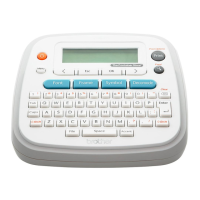
1 Turn your label maker on.
Supply power by using six AAA batteries or the
optional AC Adapter and then press .
2 Set the language.
The default setting is [English].
3 Set the unit of measurement.
The default setting is [inch].
The label maker automatically turns off if no keys
are pressed within five minutes.
Accepted] appears for
approximately one second.
Initial Settings
Language]
(Select language) .
Unit]
inch / mm] .
from repetitive use. If the Cutter does not cut tape
X Replacing the Cutter Unit
1.
n of the arrows as
illustrated below.
2.
it snaps into place.
Accessories
Tape Cassettes:
AC Adapter:
Cutter Unit:
WARNING
Do not touch the cutter blade directly with your
fingers.
To order the optional AC Adapter or other
supplies, visit www.brothermall.com
or call us


 To Next Page
 Loading...