9
Please familiarise yourself thoroughly with this user manual prior to using the device and keep
it for future reference.
HOW TO USE
Becoming familiar with the recommendations below will enable appropriate use of the device and help
enjoy its faultless functioning for a long time.
Prior to using the device for the first time, check the packaging contents and make sure that you
are in possession of all the elements included in the set.
Operation:
1. Connect the device to a mains socket.
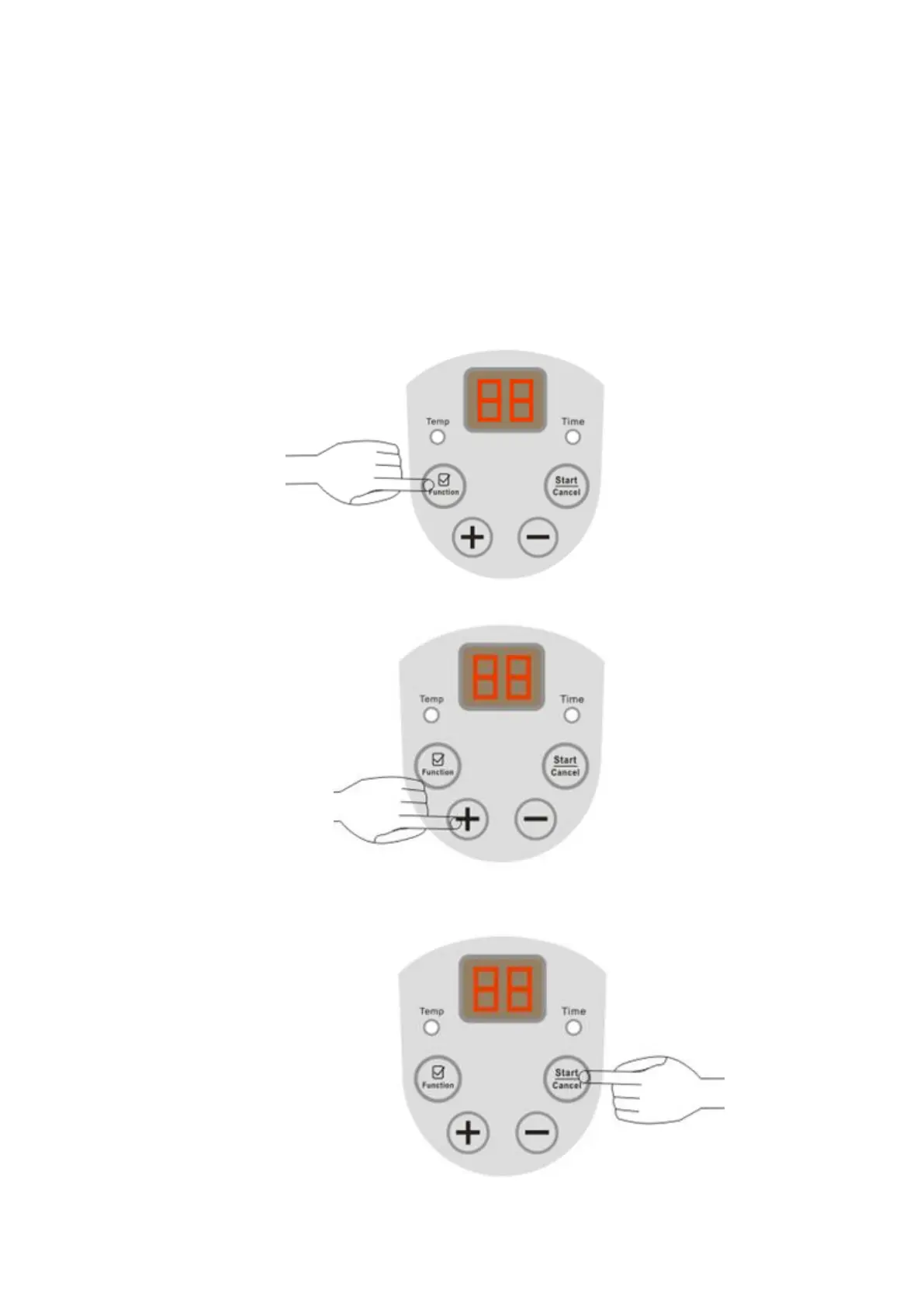
2. Press the “Function” button to select the function desired: “Temp” (temperature) or “Time”.
The lamp under the function selected will become lit.
In order to set the device working temperature, use the “+” and “-” buttons.
The temperature setting range is from 20℃ to 60℃. Next, press the “Start /Cancel” button in order
to confirm the temperature setting.


 To Next Page