162
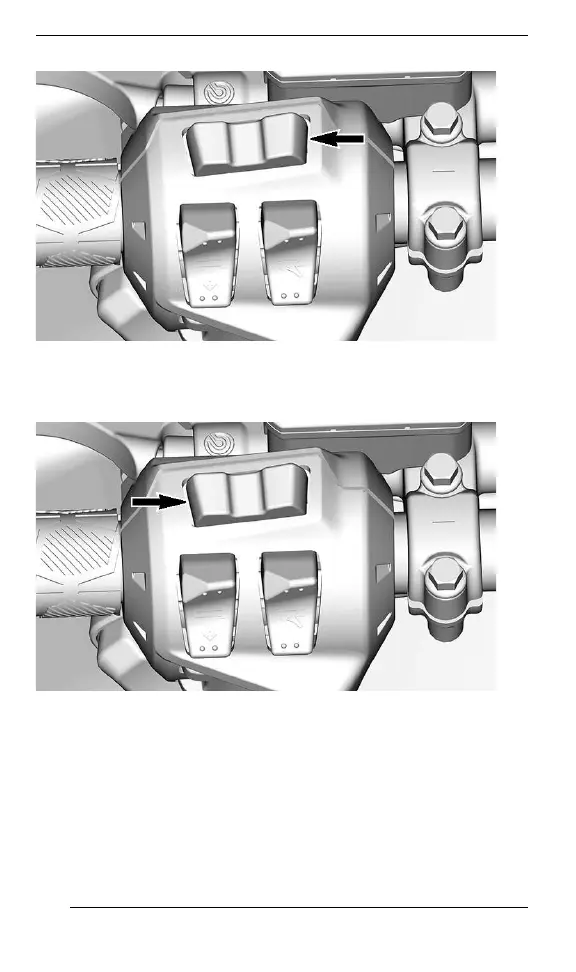
SSEETT ((SS)) BBUUTTTTOONN
1. Select the upper or center display by using the MENU (M) button
on the multifunction switch.
MMEENNUU ((MM)) BBUUTTTTOONN
2. While the desired display is flashing, navigate through the display,
by using the SET (S) button on the multifunction switch.
7.2” DIGITAL DISPLAY






 To Next Page