183
Push the joystick UUPP to select “Launch BRP Connect” and push the
joystick RRIIGGHHTT.
Select the app you would like to use and press the JJOOYYSSTTIICCKK.
– To leave the app, long press the JJOOYYSSTTIICCKK.
– To return to the Main Menu, press the BRP Connect Button.
NNOOTTEE::
The apps can also reach directly by pressing the APPS button located
at the bottom of the rotary control.
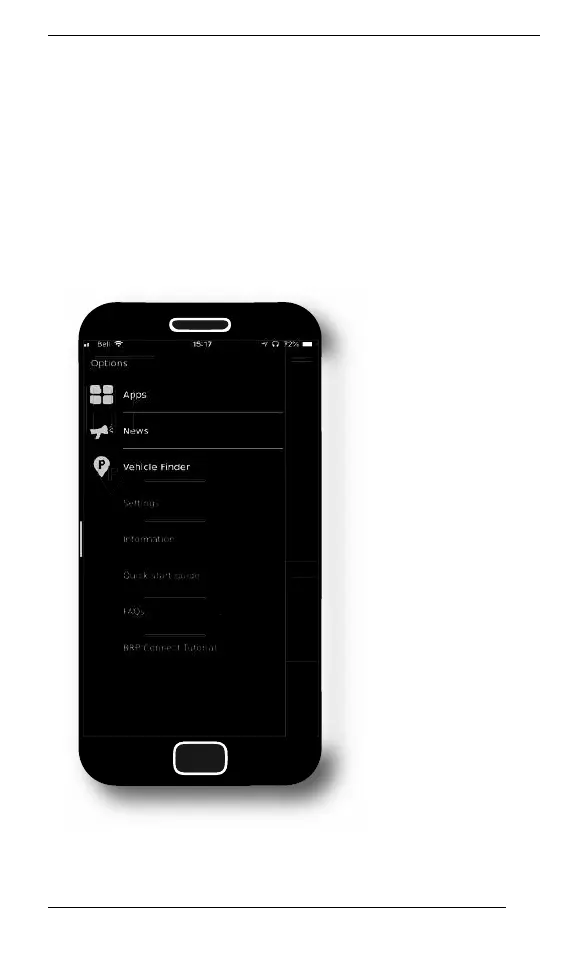
QQuuiicckk TToouurr ooff tthhee BBRRPP CCoonnnneecctt AApppp
LARGE PANORAMIC 7.8” WIDE LCD DISPLAY



 To Next Page