218
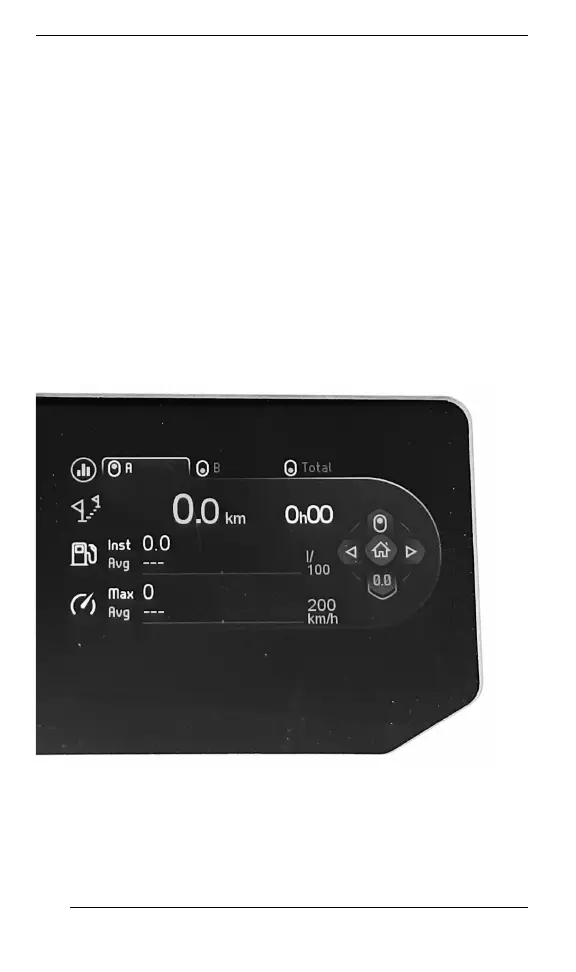
To select the value to be displayed in the tripmeter;
1. Access the Stats/Trip screen
2. Select and activate the desired set of statistic to be shown (Trip A,
Trip B or Total)
RRiigghhtt LLaatteerraall DDiissppllaayy
The right lateral display includes:
– Tachometer
– Audio volume
– Audio output indicator
– Menu
– BRP Connect
– Phone
– Statistics
– Audio
– Settings
SSTTAATTSS//TTRRIIPPSS VVIIEEWW
GAUGE – LARGE PANORAMIC 7.8” WIDE LCD DISPLAY







 To Next Page