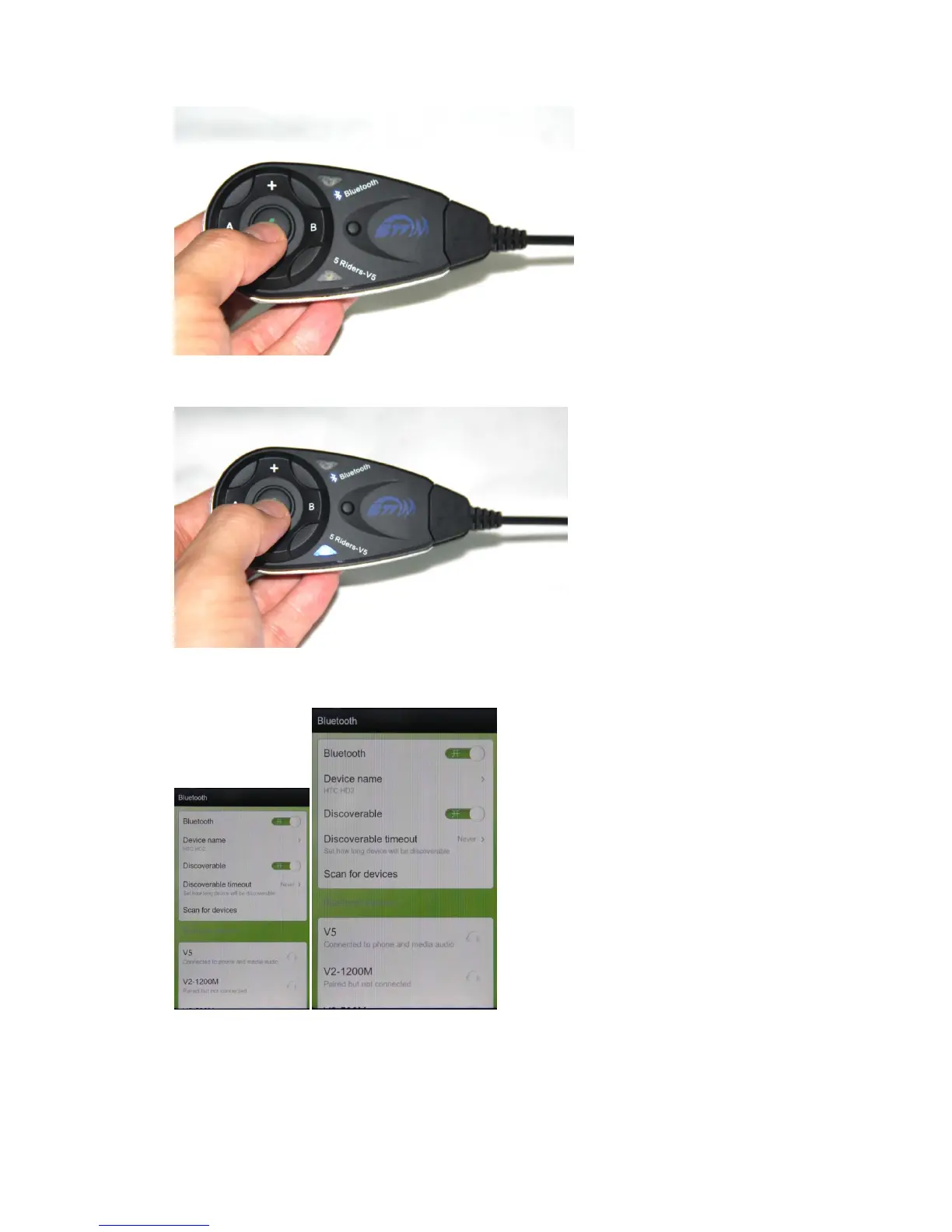
power on: press the power on button, approx. 2 seconds, until red light,and then blue light
flash
Pairing with bluetooth equipment instruction
2: Pairing with cellphone/MP3/GPS,after power on,press key 1 about 3-5 seconds, with red and
blue flash light,open the cellphone/MP3/GPS bluetooth function, when searching,see left
photo, press connecting,pairing successful when red flash off, blue light flash rhythmically.


 To Next Page