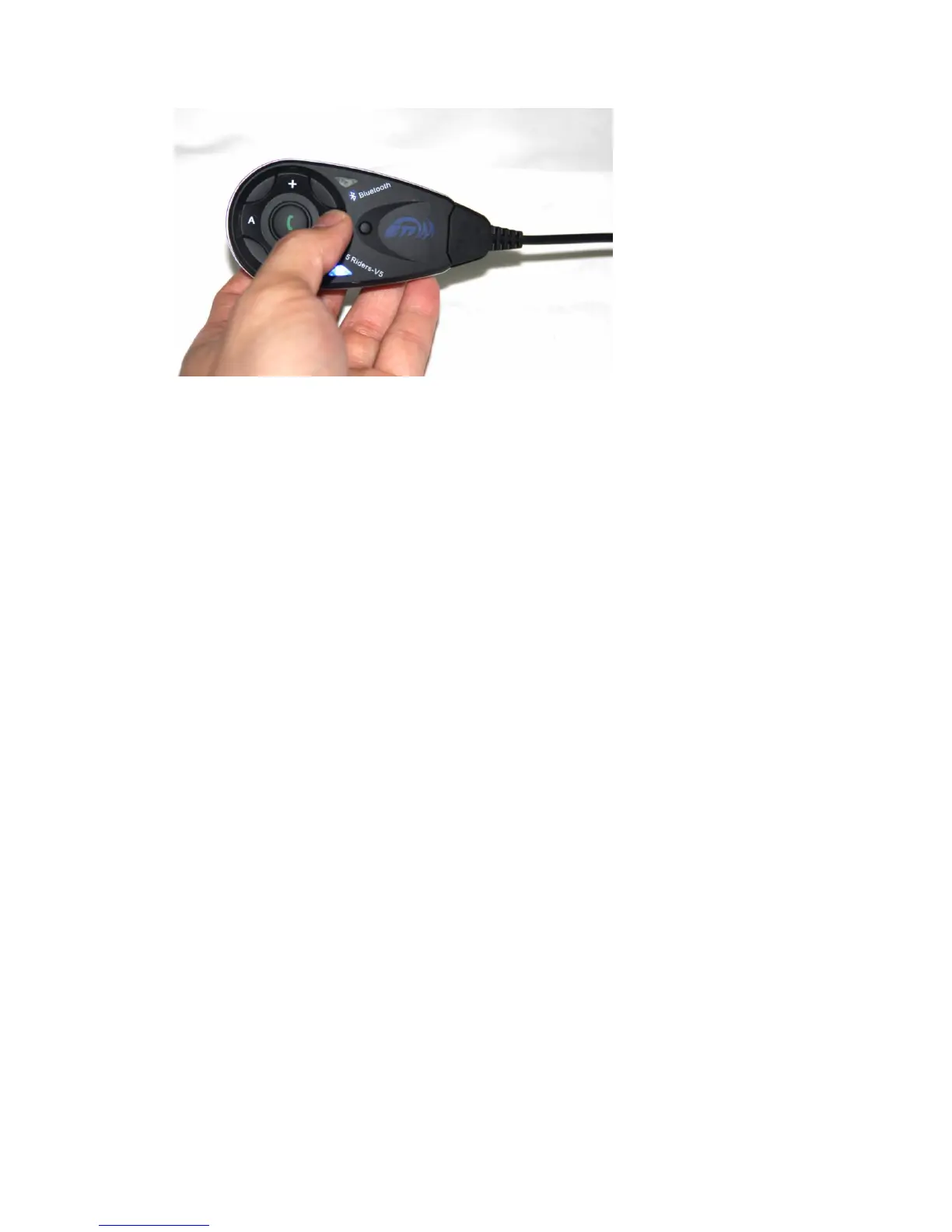
The red and blue flash appreance alternately
4 parties pairing:
1) Equipment 1 and 2 as pairs,3 and 4 as pairs, and make them paring as model A.
2) Choose 2 and 3 pairs as model B, press key Rider B for 3-5s,till the red and blue light flash
alternately. press either key Rider B of equipment 2 or 3,till red light off, blue light flash, mean
at the searching situation. after 5-7s,the other equipment red light off, blue light flash.
connecting successful,press either key Rider B,equipment 2 and 3 paring successful.
3) Press Rider A of equipment 1 or 4, four riders conneting,can talk to each other
4) Paring equipment 4 and 5, press key Rider B of equipment 4 and Rider A of equipment 5 for
3-5s, red and blue light flash alternately, then press Rider B of equipment 4(or Rider A of
equipment 5,either is ok), till red light off and blue light flash,mean ath the searching
situation,after 5-7s, red light off, blue light flash, paring successfully, then press Rider B of
equipment 4(or Rider A of equipment 5), 5 Riders can talk to each other at the same time.
5) Equipment 1 and 5, press Rider B till red and blue light flash alternately,equipment 1 and 5
connect to cellphone( see last page paring to cellphone)
(PS: cancel the paring of V4:press any one of the 4 equipment Rider A and Rider B after 3s, red
and blue flash alternately, connecting cancellation)
Remark: when phone call, will receive priority automately, and will back to 5 riders talking
model after phone call finish,also automately.


 To Next Page
 Loading...