Previous
Recall
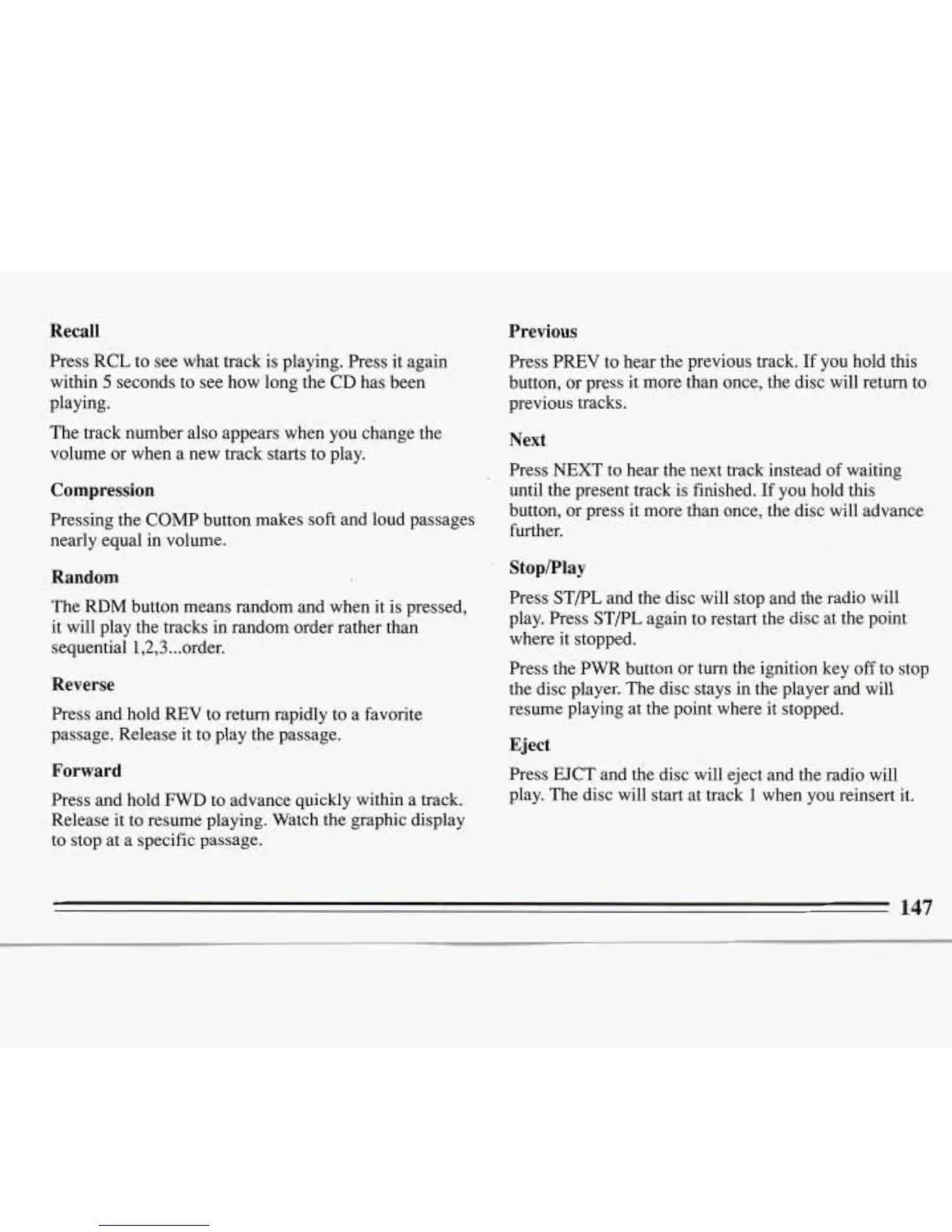
Press RCL to see what track is playing. Press it again
within
5
seconds to see how long the CD has been
playing.
The track number also appears when you change the
volume or when a new track starts to play.
Compression
Pressing the COMP button makes soft and loud passages
nearly equal in volume.
Random
The RDM button means random and when it is pressed,
it will play the tracks in random order rather than
sequential
1,2,3..
.order.
Reverse
Press and hold REV to return rapidly
to
a favorite
passage. Release it to play the passage.
Forward
Press and hold
FWD
to advance quickly within a track.
Release it to resume playing. Watch the graphic display
to stop at a specific passage.
Press PREV to hear the previous track.
If
you hold this
button, or press it more than once, the disc will return to
previous tracks.
Next
Press
NEXT
to
hear the next track instead of waiting
until the present track is finished.
If
you hold this
button, or press it more than once, the disc will advance
further.
Stop/Play
Press ST/PL and the disc will stop and the radio will
play. Press
ST/PL
again to restart the disc at the point
where it stopped.
Press the
PWR button or turn the ignition key off to stop
the disc player. The disc stays in the player and will
resume playing at the point where it stopped.
Eject
Press EJCT and the disc will eject and the radio will
play. The disc will start at track
1
when you reinsert
it.
147








 To Next Page