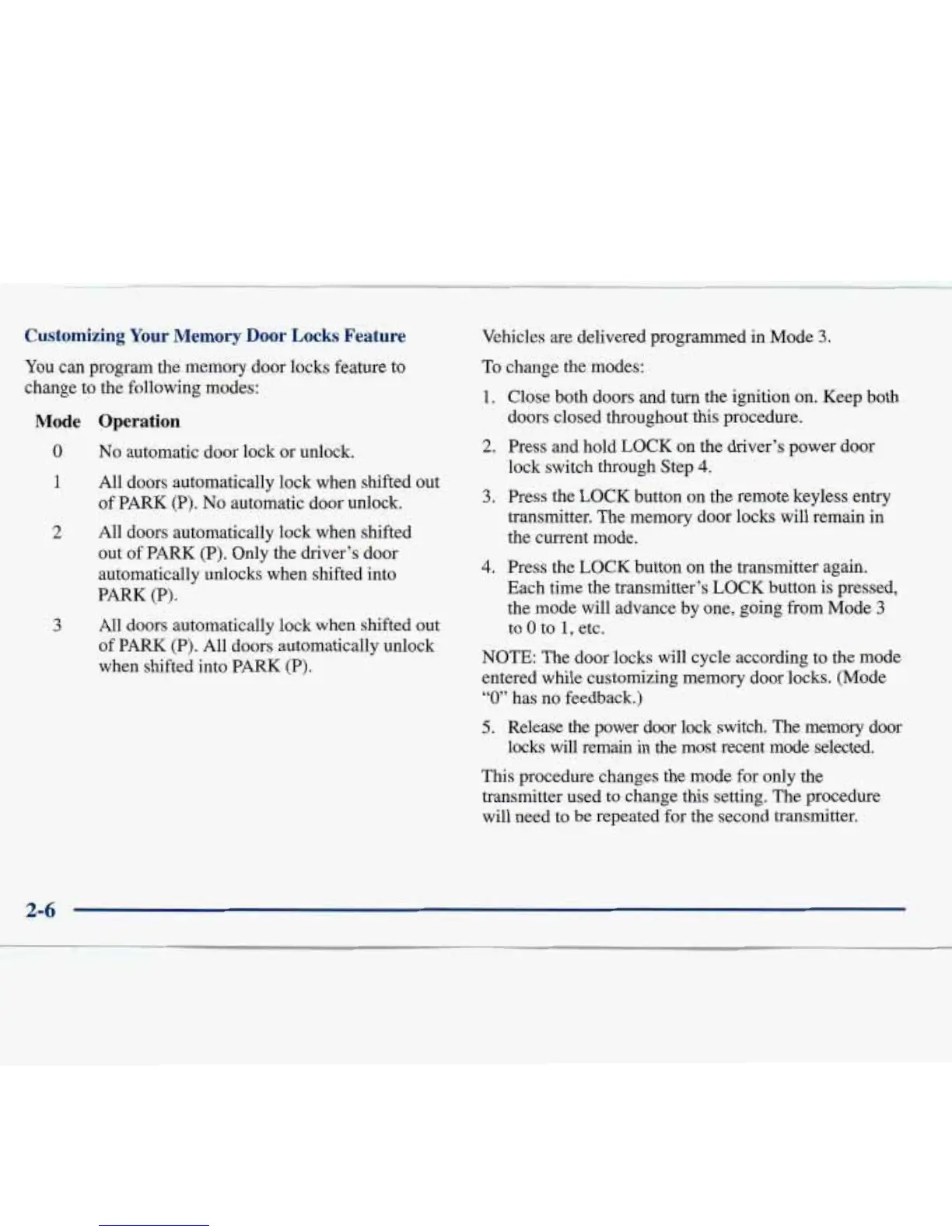
Custon
g
Your
Memory
Door
Locks
Feature
You
can
p
;ram the memory door locks feature to
change to
me
following modes:
.
Mode
Operation
0
No
automatic door lock or unlock.
1
All doors automatically lock when shifted out
of PARK (P).
No
automatic door unlock.
2
All doors automatically lock when shifted
out of PARK (P). Only the driver’s door
automatically unlocks when shifted into
PARK (P).
3 All doors automatically lock when shifted out
of PARK (P). All doors automatically unlock
when shifted into PARK
(P).
Veh
’
’es
are delivered programmed in Mode
3.
To cm :e the modes:
1.
Close both doors and
turn
the ignition on. Keep both
2.
Press and hold LOCK on the driver’s power door
3.
Press the LOCK button on the remote keyless entry
doors closed throughout this procedure.
lock switch through Step
4.
transmitter. The memory door locks will remain in
the current mode.
4.
Press the LOCK button
on
the transmitter again.
Each time the transmitter’s LOCK button is pressed,
the mode will advance by one, going from Mode
3
to
0
to
1,
etc.
NOTE: The door locks will cycle according to the mode
entered while customizing memory door locks. (Mode
“0”
has no feedback.)
5.
Release the power door lock switch. The memory door
locks will remain
in
the most recent mode selected.
This procedure changes the mode for only the
transmitter used to change this setting. The procedure
will need to be repeated €or the second transmitter.







 To Next Page