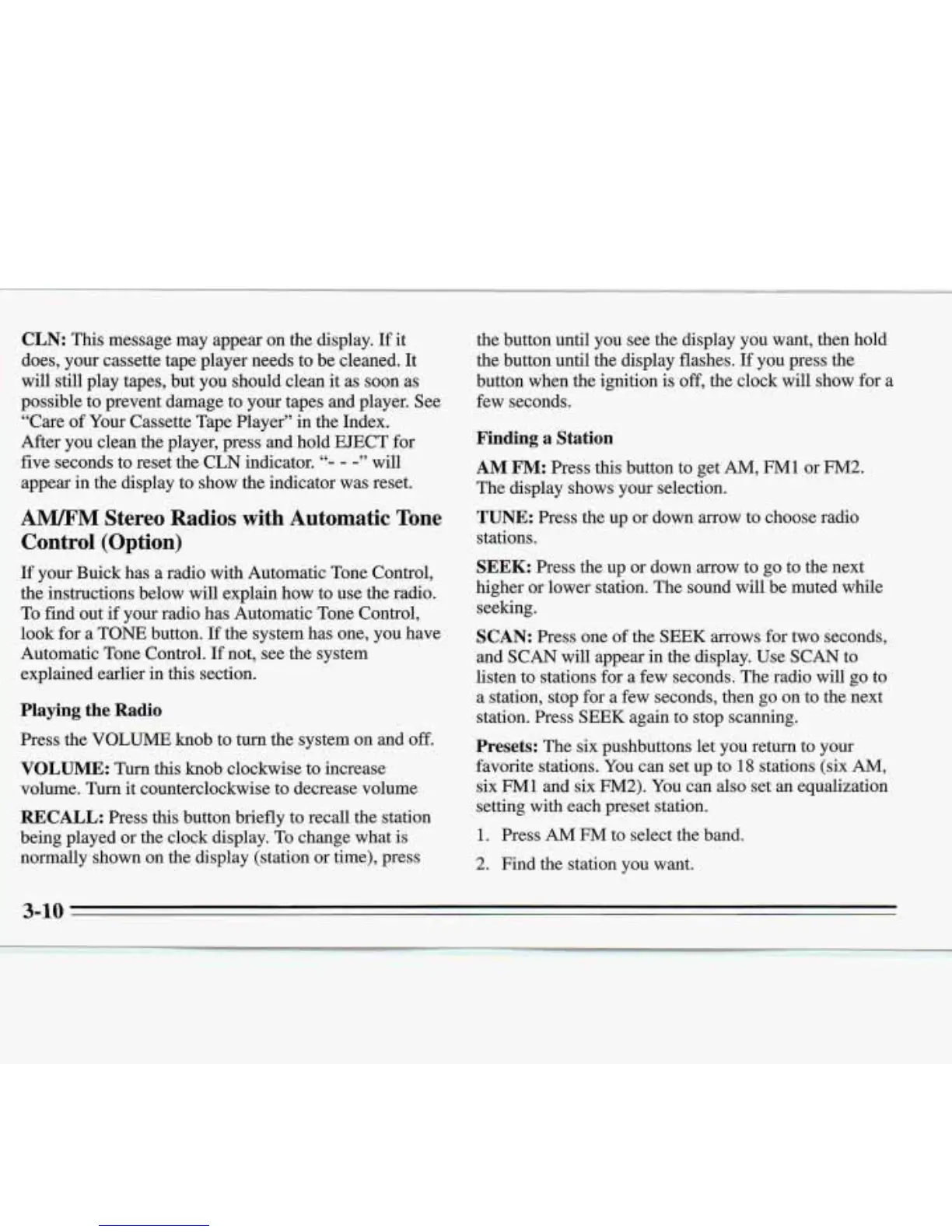
CLN:
This message may appear on the display. If it
does, your cassette tape player needs to be cleaned. It
will still play tapes, but you should clean it as soon
as
possible to prevent damage to
your
tapes and player. See
“Care
of
Your Cassette Tape Player”
in
the Index.
After you clean the player, press and hold EJECT for
five seconds to reset the CLN indicator.
“-
-
-”
will
:appear
in
the display to show the indicator was reset.
A”
Stereo Radios
with
Automatic Tone
Control (Option)
If
your Buick has a radio with Automatic Tone Control,
the instructions below will explain how to use the radio.
To find out if your radio has Automatic Tone Control,
look for a TONE button.
If
the system has one, you have
Automatic Tone Control.
If
not, see the system
explained earlier in this section.
Playing the Radio
Press the
VOLUME
knob to turn the system on
and
off.
VOLUME:
Turn this knob clockwise to increase
volume. Turn
it
counterclockwise to decrease volume
RECALL:
Press this button briefly to recall the station
being played or the clock display. To change what is
normally shown on the display (station or time), press
the button until you see the display you want, then hold
the button until the display flashes.
If
you press the
button when the ignition is
off,
the clock will show for a
few seconds.
Finding a Station
AM FM:
Press this button to get
AM,
FM1
or
FM2.
The display shows your selection.
TUNE:
Press the up or down arrow to choose radio
stations.
SEEK:
Press the up or down arrow to go to the next
higher
or
lower station. The sound will be muted while
seeking.
SCAN:
Press
one of the
SEEK
arrows for two seconds,
and SCAN will appear in the display. Use SCAN to
listen to stations for a few seconds. The radio will
go
to
a station, stop for a few seconds, then go on to the next
station. Press
SEEK
again to stop scanning.
Presets:
The six pushbuttons
let
you return to your
favorite stations. You can set up to
18
stations
(six
AM,
six
FM1
and six
FM2).
You can also set an equalization
setting with each preset station.
1.
Press AM
FM
to select the band.
2.
Find the station you want.








 To Next Page